
Lights down. Curtain up.
If you have ever hovered over a ticket map and felt your brain do a little tap dance, you are not alone. One button tends to look extra tempting: Best Available. It sounds like the system will gently place you in the most magical seat the venue has to offer.
In practice, “Best Available” is simpler than it sounds. It is a checkout option where the ticketing system assigns specific seats for you instead of you clicking individual seats on the map.
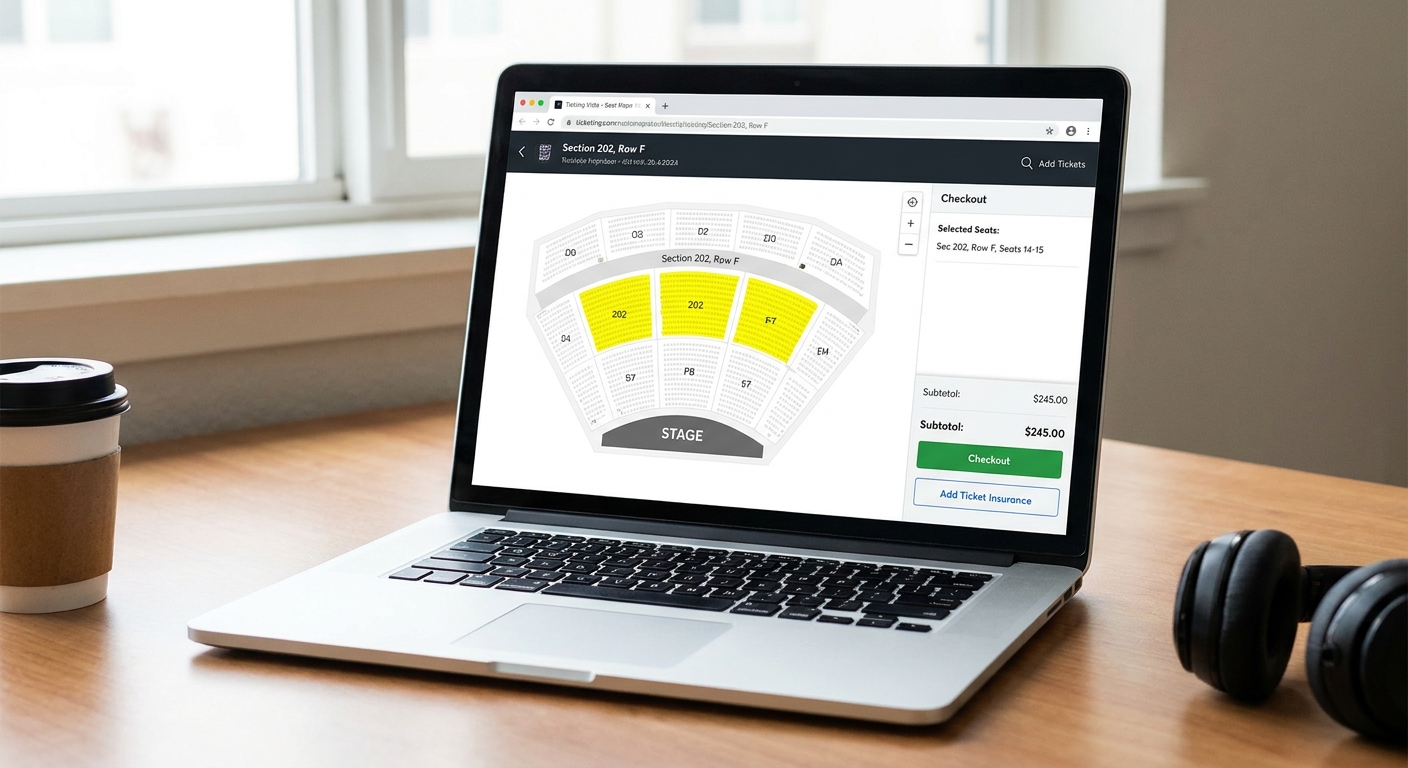
What “Best Available” actually does
When you choose Best Available, you are saying, “Find me seats that match my request,” usually defined by:
- Quantity: how many tickets you need
- Price level: the price range, section, or ticket type you clicked into
- Ticket rules: anything attached to that offer, like “aisle seat,” “accessible,” “VIP,” “verified resale,” or “restricted view” (varies by site and event)
Then the system returns a set of seats it considers the best match within the inventory it is allowed to sell you.
What it may prioritize
Ticketing platforms do not all work identically, and venues configure a lot of the rules. Still, Best Available often prioritizes a mix of the following.
1) Keeping your group together
If you ask for two, three, or four tickets, the system typically tries to find seats that are:
- All in the same row, side by side
- Or at least tightly grouped (for example, a block within the same row)
If it cannot find seats together in the area you picked, it may jump to a different section or price level, or show no results at all.
2) “Better” location within the choices you set
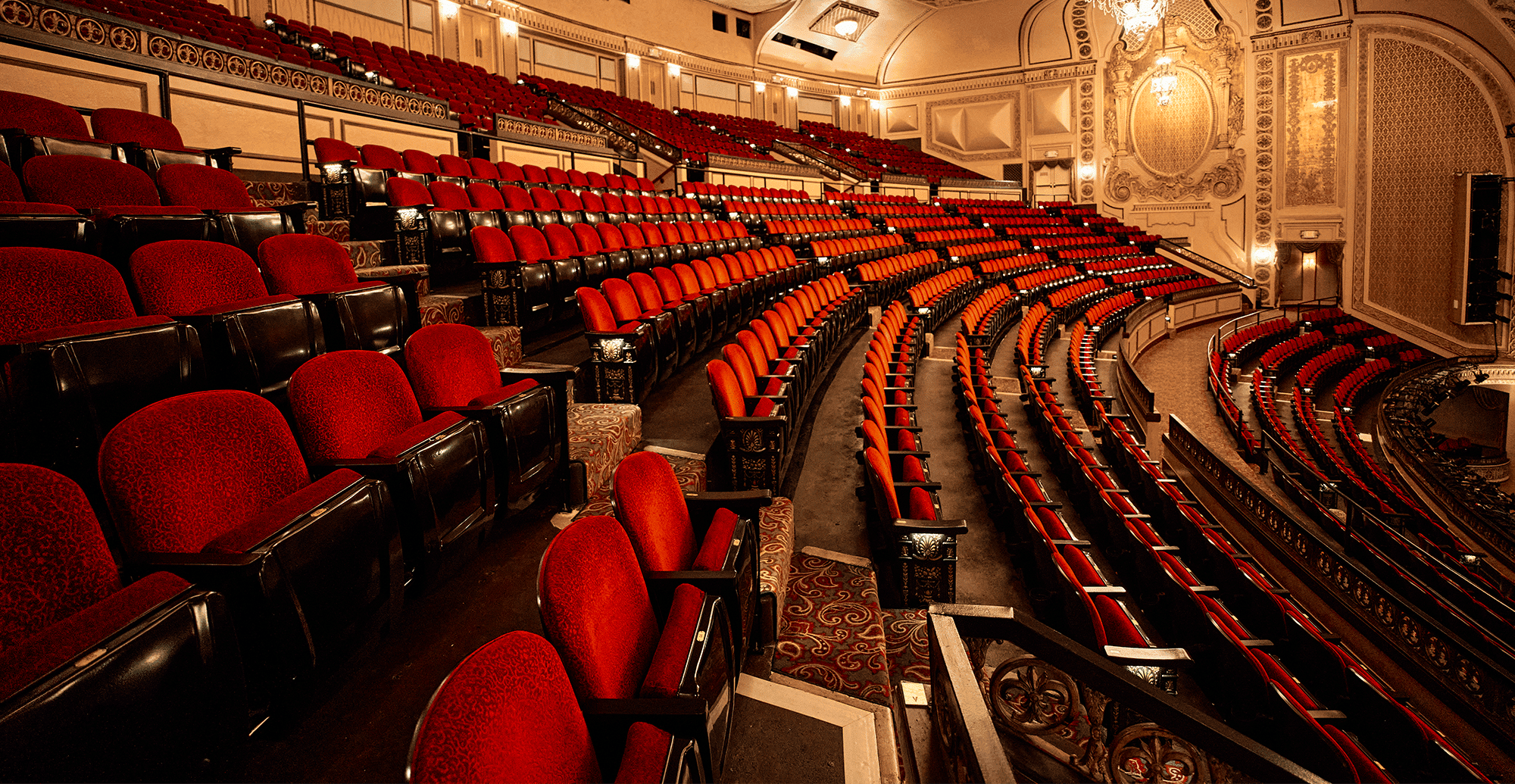
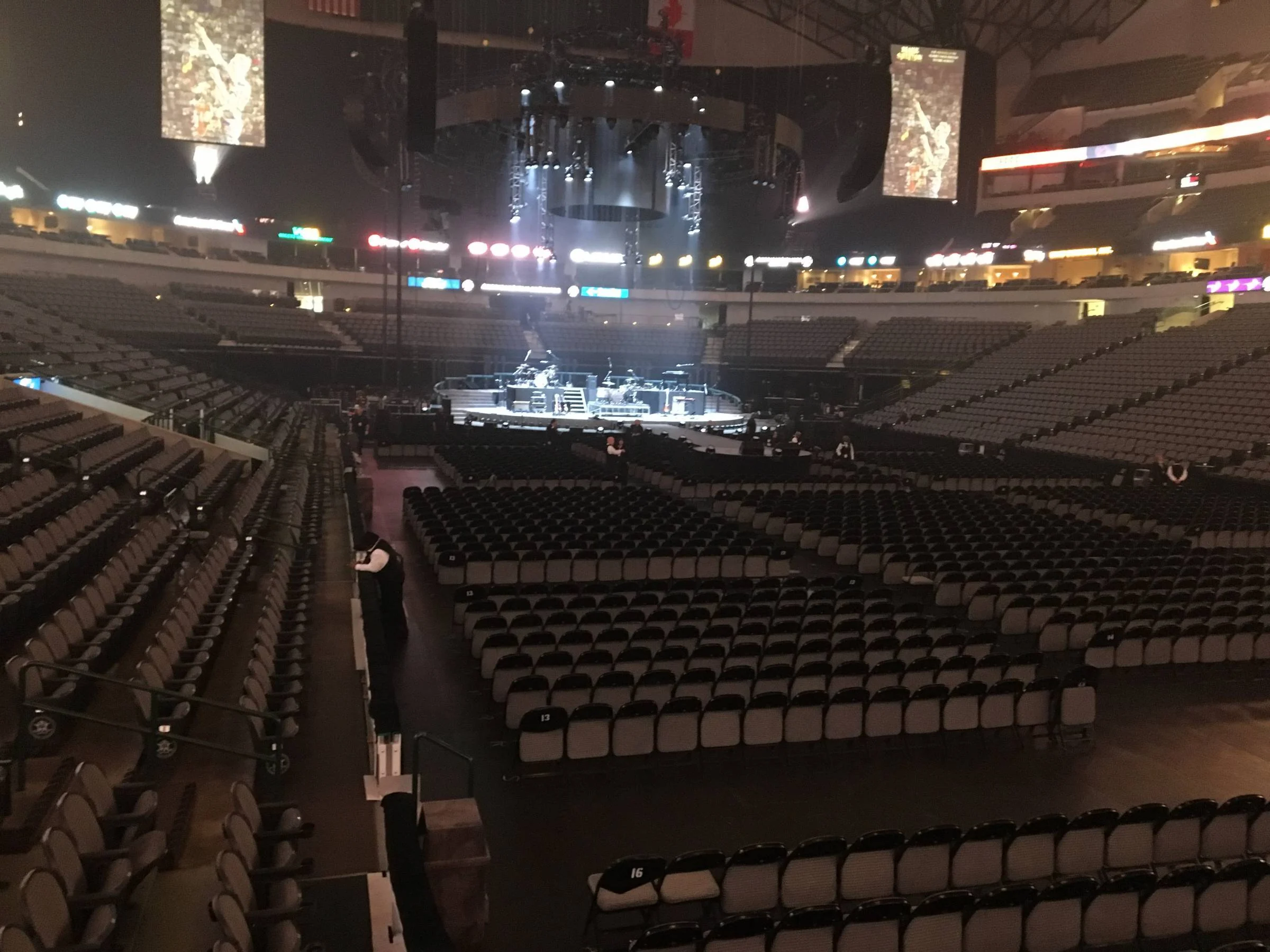
Within a given price tier or section, the system often favors seats that are closer to the stage, nearer centerline, or otherwise considered more desirable for that event configuration. For end-stage concerts, “better” is often closer and more centered. For theatre, it can mean a strong sightline with fewer obstructions.
3) Inventory rules (sometimes)
Here is the unromantic part that can matter. Some platforms and venues use seat-quality rules and “anti-orphan” logic to avoid leaving behind single lonely seats that are harder to sell later.
So Best Available can sometimes give you seats that are perfectly fine, but not the exact pair you would have clicked if you were hand-picking from the map.
4) Matching filters you turned on
If you turned on filters like “aisle,” “accessible seating,” “no obstructed view,” or “instant delivery” (often seen on resale listings), the system will try to satisfy those first. Availability and labels vary a lot by site and event, so filters can change what Best Available is willing to show you.
One quick note on accessible seating: only select it if you need accessible seats. Venues have specific policies, and inventory is limited.
How it handles party size
This is the make-or-break detail. Your party size determines whether Best Available feels like a gift or a trap door.
Two seats is the sweet spot
Pairs are the most common request, and they are often easier to place in the remaining inventory patterns. Best Available tends to return decent options quickly because there are simply more ways to fit two seats together than four.
Three or four can get tricky fast
When you need three or four together, the algorithm may:
- Jump you into a different section than you expected
- Prefer a block of seats farther back over splitting you up
- Return “best” seats that are together but off to one side
If you are seeing seats that look odd for the price, it is often because the system is protecting togetherness.
Five or more is where you should expect compromises
For larger groups, Best Available can behave in a few common ways depending on the platform and event settings:
- It finds a block together but perhaps in a less ideal location.
- It offers multiple smaller blocks (for example, 3 + 2), sometimes with a warning, sometimes not.
- It says nothing is available even though you can see singles or pairs on the map.
If sitting together matters for your group, Best Available is worth trying first. If it does not deliver, the seat map becomes your best friend.
When to use the seat map
Best Available is great for speed. The seat map is better for control. Swap to the map when any of these are true:
- You care about sightlines. For theatre, opera, or ballet, you may want to avoid extreme side angles or partial view seats.
- You want an aisle, front row of a section, or a specific side. Best Available might not prioritize your personal preferences unless you explicitly filtered for them.
- You are trying to sit near friends. If someone else already bought seats, you will need the map to target that exact area.
- You are deciding between “good” and “great.” When you can see multiple options open, your eyes can do what the algorithm will not.
- The seats returned feel random. If the system keeps offering corners, last rows, or strange clusters, check the map for better picks it may be skipping to satisfy its rules.
Also, do not be surprised if the map and Best Available do not match perfectly. Seats can be in someone else’s cart, held for venue use, reserved for a specific presale or offer type, or not yet released.
What it does not mean
Ticket language can sound like it is making a promise. This button is not really a promise. Here are the most common misunderstandings.
It does not mean “best seats in the house”
It means best available within the options and rules you are shopping. If you have constrained your search to a specific price level, section, or offer, Best Available usually stays inside those boundaries. If you are shopping with no constraints, some sites will search more broadly across what you are eligible to buy.
It does not guarantee the seats you would pick manually
Even if the map shows seats you like, the system may return different ones to meet grouping rules or other inventory settings.
It does not necessarily mean “no resale” or “no fees”
Best Available is about assignment, not price policy. You still need to read whether your tickets are standard, resale, VIP, or dynamic-priced “Platinum” style inventory, depending on the site.
How to use it without regrets
Here is my method: use the button, then verify like a skeptic.
- Step 1: Pick your price level, section, or offer first if the site allows it.
- Step 2: Try Best Available for your party size.
- Step 3: Look at the seat details. Row, seat numbers, and any notes like limited view.
- Step 4: If anything feels off, back up and open the seat map to compare.
If you have flexibility, try adjusting one variable at a time: change the number of tickets, switch price levels, or remove a filter. And during busy onsales, it can be worth backing out and trying again. Best Available results can change as seats are added, released, or snapped up in real time.
Quick FAQs
Why did Best Available put me in a worse section than I expected?
Most often, it could not find a block of seats together in the section you were browsing, or it is following seat rules meant to avoid leaving behind hard-to-sell singles. The map can reveal what is actually open for your specific filters and offer type.
Can Best Available split my group?
It depends on the platform and event settings. Some will only return seats together. Others may return split groups or multiple blocks, especially for larger parties. Always check the seat details before checkout.
Why do I see seats on the map but Best Available says none are available?
The map can show seats that are in carts, held for venue uses, locked behind specific offers, or not eligible for your current filters. It can also be that there are seats, just not enough together for your party size.
Is Best Available faster?
Usually yes, especially when inventory is moving quickly. It reduces the time you spend clicking around the map, which can matter when tickets are disappearing in real time.
The curtain call
Best Available is a convenience feature: it assigns seats for you based on availability and the rules of the listing you are shopping. It often prioritizes keeping your party together and placing you reasonably well within your selected options, while sometimes following venue and platform inventory rules.
If you care about a specific view, an aisle, or avoiding a weird angle, switch to the seat map and choose manually. The best seat is not always the one an algorithm picks. Sometimes it is the one you can already picture yourself applauding from.