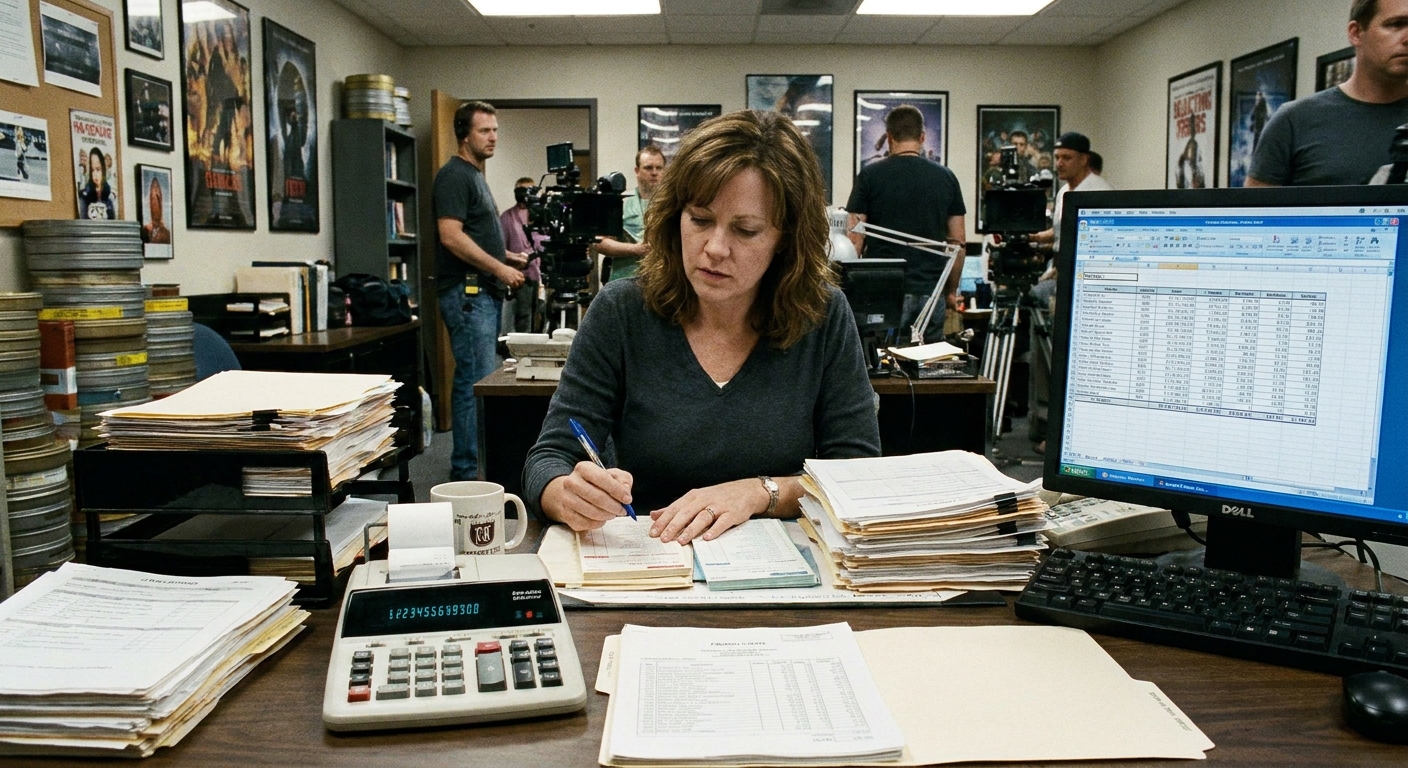
The first time I worked background, I treated the voucher like a receipt you sign on autopilot while you are half out of costume and fully dreaming of your couch. Then I watched a veteran extra calmly check every box, ask one polite question, and walk away with a copy like it was a backstage pass. That was the day I learned the background voucher is not busywork. It is the paper trail that turns your long day into an actual paycheck.
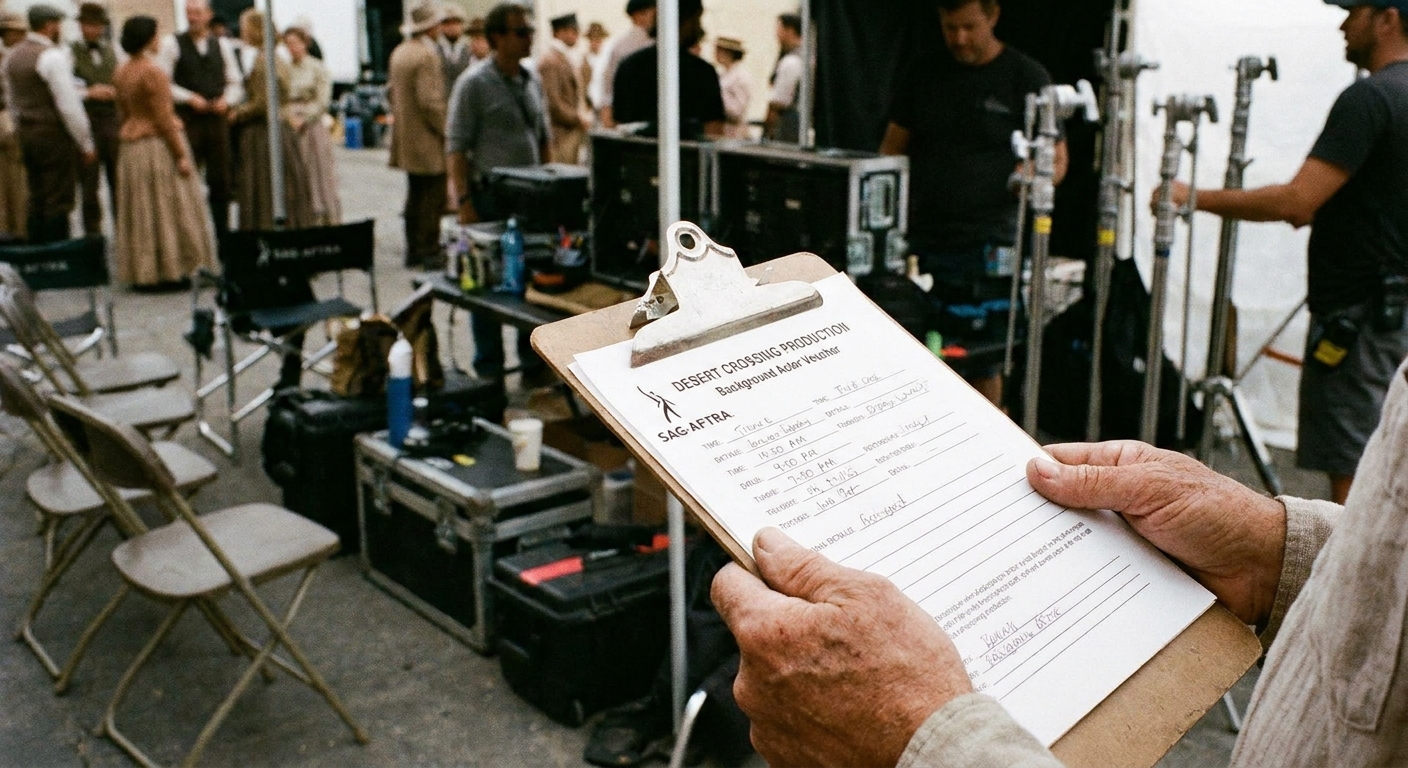
In film and TV, a background voucher is your official time record (paper or digital) for the day. It documents when production recorded you as working, plus any pay adjustments that apply. Payroll uses it to calculate your pay, including overtime where applicable. On some productions, it can also serve as documentation tied to union-covered background days or eligibility steps, but that is not universal and it depends on the show, region, and agreement.
What it is, in plain terms
A background voucher is the production’s official record of your day. You typically see it at the end of your shift, often at or near wrap (the end of the day’s work), sometimes earlier if the day is complicated. You review it, confirm the information, and sign it. A production representative signs it too, and then it gets routed to payroll.
Think of it as a cross between a timesheet and a checkout slip. If your call time was real life and your screen time was movie magic, the voucher is the unglamorous bridge between the two.

What’s on a voucher
Voucher layouts vary by production, but the essentials stay consistent. Here is what you will usually see and why it matters.
Your info
- Name (and sometimes a performer ID from casting)
- Contact details or an employee number
- Tax info is often collected separately on start paperwork, but many systems tie the voucher to that onboarding
- Production title, date, and sometimes episode number
This section sounds obvious, but it is where small errors become big delays. If your name is misspelled or you are attached to the wrong date, payroll may not be able to match your voucher to your start paperwork.
In time and out time
The two most important numbers on the page are your in time and out time.
- In time is the time production records you as checked in, processed, or officially on the clock. Some shows also list a separate call time, report time, or “work start,” so do not assume those are identical.
- Out time is when you are officially released (meaning you are done working and free to leave).
These times drive your total hours and whether overtime rules apply under that production’s agreement.
Meal
Vouchers may include meal details, but what is captured varies. Some have spaces for meal start and meal end. Others only record a single “meal” time, such as when first meal was called.
Meal penalties and eligibility can be contract-specific, and they do not always apply to background the way people expect. If you think a meal issue affects your pay, ask the background team what that production’s procedure is for documenting it and who approves it.
Rate, pay codes, and adjustments
Your voucher may list your base rate and then additional line items for adjustments. People often call these bumps, but some productions label them as adjustments or pay codes.
Common examples you might see on some shows include:
- Overtime (often calculated from in and out times)
- Wardrobe adjustment (for special requirements on some productions)
- Wet work (rain towers, water effects)
- Smoke or atmosphere (where paid and approved)
- Hair or makeup adjustment (specialty looks, heavy applications)
- Special ability (if you were booked and used for a specific skill)
Not every show offers every adjustment, and the rules differ by agreement, region, and whether the job is union-covered or non-union. If anything was discussed at booking, ask, “How does this production tracks that on the voucher?” and make sure it is reflected the way the show requires.
Notes
Some vouchers include notes on your assignment, such as “featured BG,” a scene number, or the department that handled you. This is mainly internal tracking, but it can be useful context if payroll has questions later.
Signatures
A voucher is only as strong as the signatures on it. Typically you will see:
- Your signature confirming the recorded information
- Production signature, often a BG PA (background production assistant) or an AD team representative like the 2nd 2nd AD (second second assistant director)
- Department sign-off for certain adjustments, if the production requires it (wardrobe, hair, makeup)
If there is a signature line for production and it is blank, do not walk away assuming it will be handled later. Ask, nicely and promptly, who should sign it before you turn it in.
What to check before you turn it in
This is the moment to channel your inner stage manager. You do not need to be difficult. You do need to be thorough.
- Your name is correct and matches your start paperwork.
- The date (and episode, if applicable) is correct.
- In time and out time are accurate. If you are unsure, check your own notes. I always jot times in my Notes app the way I mark curtain times in a playbill margin.
- Meal details match what production recorded, especially if the schedule was unusual.
- Any promised or approved adjustments are listed, if the production uses that system.
- All required signatures are present, including department sign-offs if needed.
If something looks wrong, do not rewrite the voucher yourself unless the production instructs you to. The cleanest path is to flag it immediately and let the authorized person correct it, usually the BG team, timekeeper, or an AD team representative. If a correction is made on paper, it is typically initialed by the person making the change so the paperwork stays clean.
Paper vs digital signatures
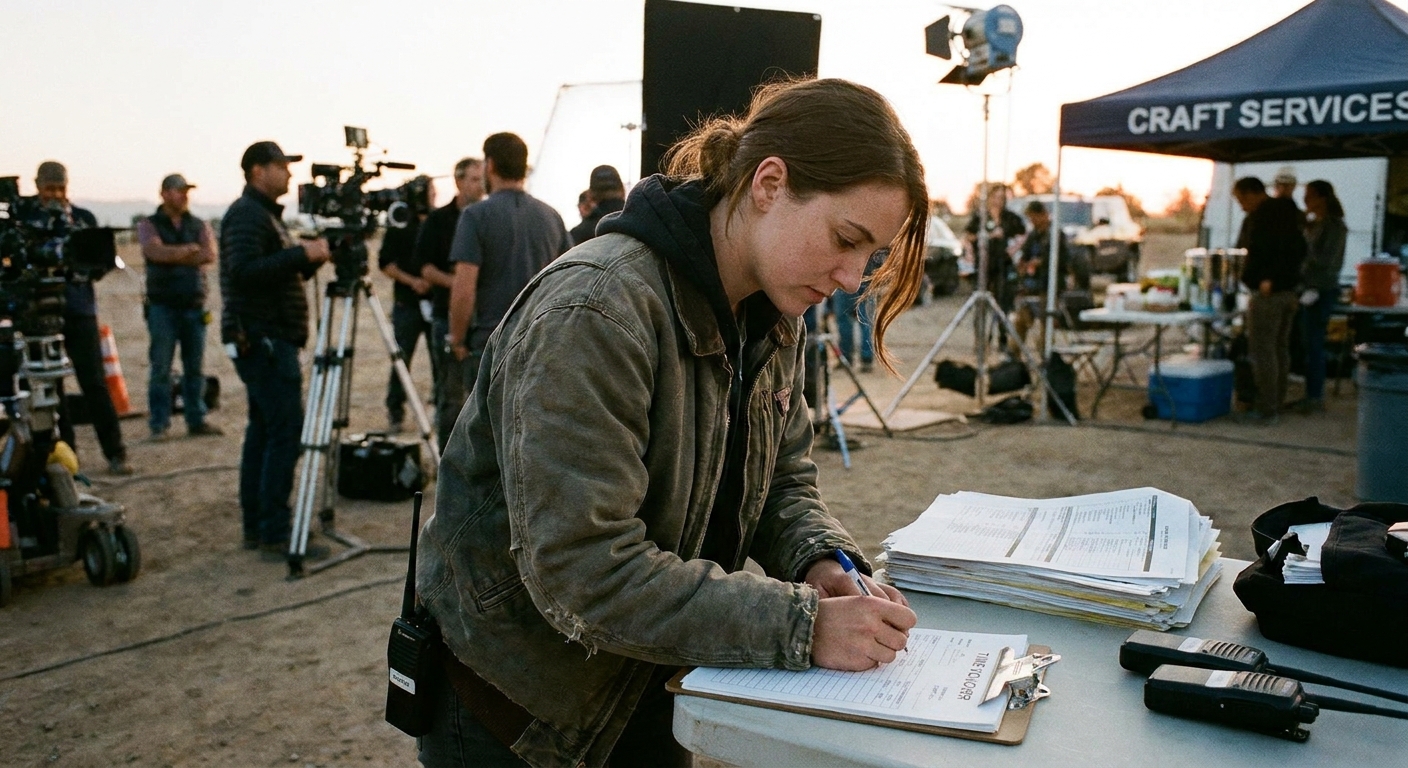
Some productions still use carbonless multi-part forms. Others use a digital timekeeping system where “signing” looks like an e-signature, a checkbox attestation, or confirming your times on a phone or tablet.
- If it is paper: keep your copy flat in an envelope or folder. Snap a clear photo as backup.
- If it is digital: save the confirmation screen, email receipt, or whatever proof the system provides. I like a folder labeled by show and date so I can find things fast later.
This is not about expecting problems. It is about being ready if something goes sideways.
Union paperwork and missing-pay follow-up
Two common reasons people suddenly care about vouchers are union paperwork and payroll problems. They matter, but they are not the main purpose of the form.
- Union documentation: In some markets and on some productions, paperwork connected to your day can matter for union-covered background tracking or eligibility steps. Because the rules are not universal, ask the BG team what applies on that show and who to contact with union-related questions.
- If a paycheck is missing: Your voucher copy is one of the first things payroll may request to research what happened. Having your date, in and out times, and signatures on hand makes the follow-up much faster.
Common mistakes
- Signing without looking: Take 20 seconds. Seriously. The line behind you will survive.
- Letting times get fuzzy: Note your check-in, meal, and release times during the day.
- Assuming adjustments are automatic: Some are, some are not, and many require approval or documentation.
- Leaving without proof: Paper or digital, keep your record.
- Missing signatures: If the production signature line is blank, fix that before it leaves your hands.
FAQ
Is a background voucher the same as a timesheet?
Basically, yes. For background actors, the voucher functions as your time record for the day and feeds payroll.
When do you sign a voucher?
Usually at wrap or at your release. On some sets, you may be asked to confirm details earlier, then sign at the end once out time is known.
What if my out time is wrong?
Flag it immediately with the BG PA or whoever is handling timekeeping. It is far easier to correct on the day than after paperwork has moved to payroll.
What if I forgot to get my copy?
Start with the payroll or timekeeping contact from your start paperwork, or the production office contact listed for pay issues. Casting may not have access to time records once they are in the payroll pipeline, but they can sometimes point you to the right contact if you are stuck.