Lights down. Curtain up.
If you have ever heard someone quietly narrate what is happening in a film during a school screening, you already have the basic idea. The difference is that audio description is professional: it is written and delivered by trained describers, carefully timed, and played through a headset so it does not affect other audience members.
Audio description is a theater accessibility service that provides spoken narration of the visual parts of a performance for blind and low-vision patrons. It can be live or recorded, and it is delivered through a headset or receiver.
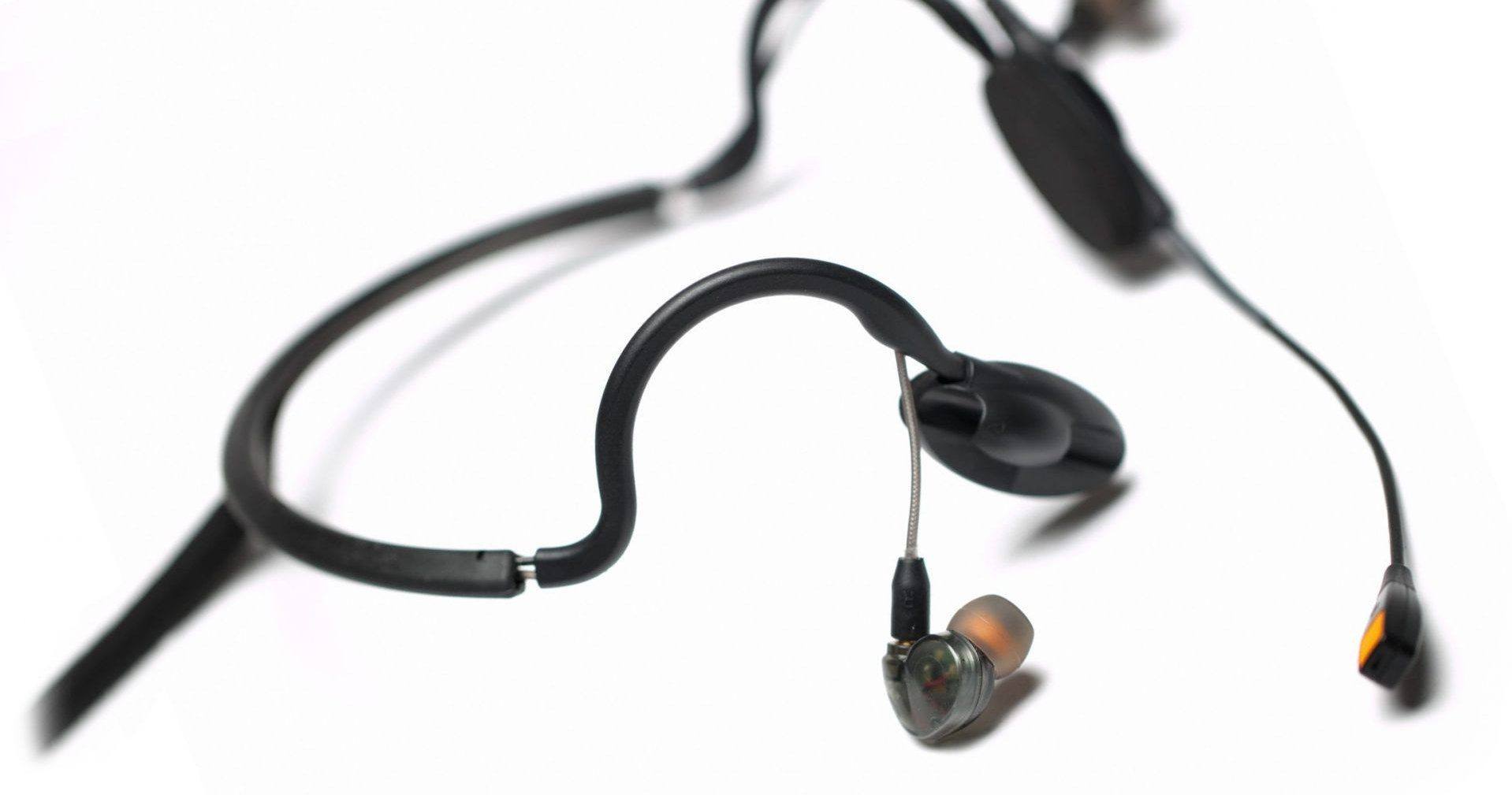
What audio description is
Audio description (AD) adds spoken narration in the gaps of a performance, wherever there is space between dialogue, lyrics, and key sound moments. The goal is simple: to make the story make sense without relying on sight.
In theater, AD is often delivered as a live narration feed (sometimes based on a prepared script that is adjusted in the moment for timing). In prerecorded formats, it may be an additional audio track that is synced to the show.
In a live performance, AD typically covers:
- Who is on stage, including entrances and exits
- Physical action that changes the meaning of a scene, like a slap, a hug, or a character hiding an object
- Facial expressions and body language when they are essential to understanding the moment
- Costumes, props, and sets when they matter to the plot, period, or joke
- Projected visuals used for storytelling, such as a video sequence or onstage signage
Good audio description is selective. It aims to be clear and timely, without talking over dialogue or telling you what to think about what you are seeing.
Live vs recorded
Live audio description
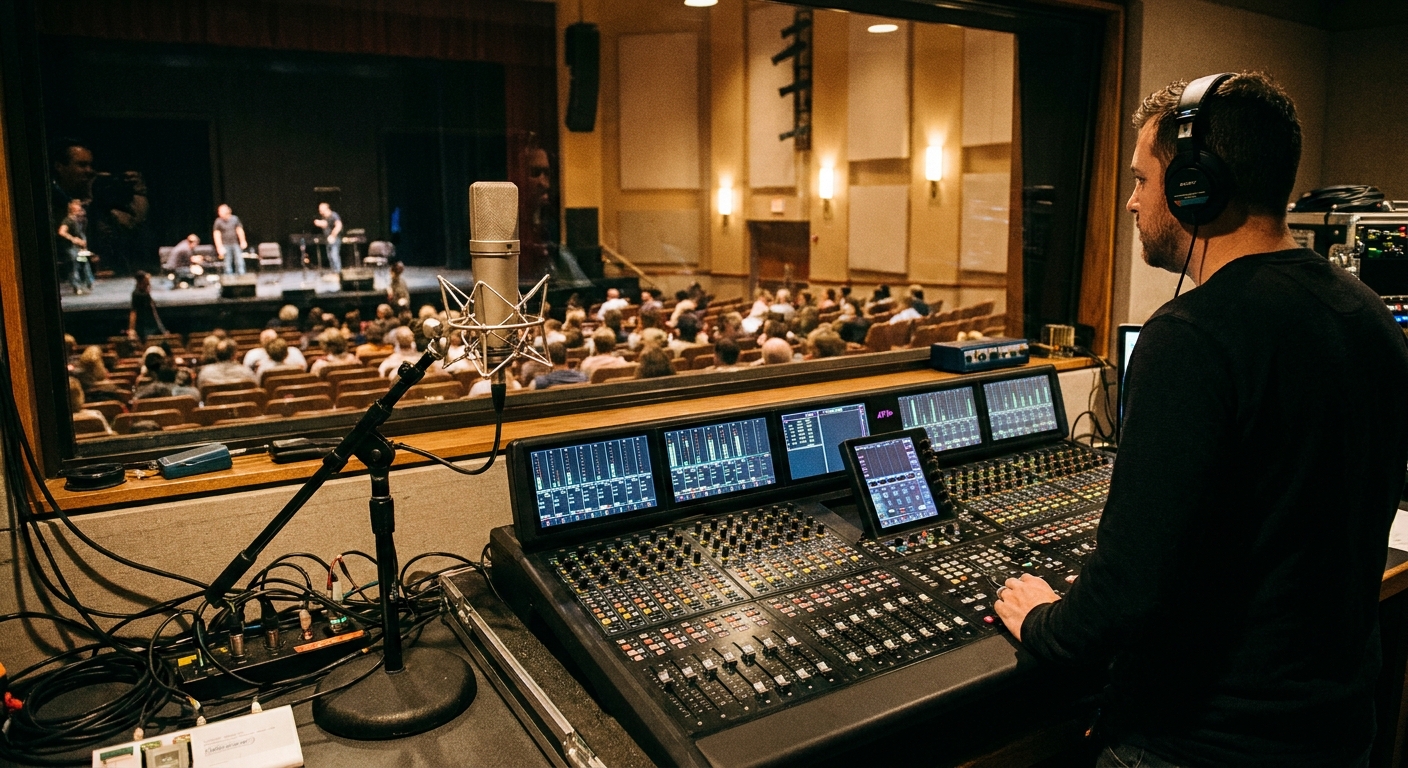
Many theaters use live describers who watch the show and speak into a microphone from a booth or designated location. The narration is transmitted to headsets or receivers used by patrons who request it. Live description is especially useful for theater because performances can vary from night to night.
Recorded audio description
Some venues also use prerecorded description. This can be a good fit for film screenings and certain productions or events with consistent timing. The audio still comes through a headset or receiver, but the narration is prepared in advance and synced to the performance.
Either way, the goal is the same: to make the visual storytelling accessible.
What it sounds like
Audio description is designed to slip into the natural spaces of a performance. You might hear a short line like:
- “She pockets the letter and turns away.”
- “A spotlight finds him at the balcony rail.”
- “They sign to each other, smiling.”
Some theaters also offer a pre-show orientation. This can include a description of the set, costumes, or character relationships before the performance begins. In certain productions, it may be paired with a tactile tour, where patrons can feel select costumes or props. Availability varies by venue and production.
How to get a headset
Every venue runs this a little differently, but the flow is usually familiar once you know what to expect.
Before you go
- Check the performance listing for an “Audio Described” date and time. AD is often offered on select performances, not every night.
- Reserve in advance when possible. Some venues ask patrons to request AD at the time of ticket purchase so they can prepare enough devices and staff support.
- Ask what kind of receiver is used. Depending on the venue, you may be offered a single-ear headset, a two-ear headset, or a connection option such as a neck loop for telecoil compatible hearing aids. Some spaces also have venue-installed hearing loop systems.
When you arrive
- Go to the box office, guest services, or accessibility desk and ask for an audio description device.
- You may be asked for a name, seat location, or ID as part of the checkout process. Some venues hold an ID until the device is returned, while others simply log your ticket information.
- Staff should confirm the channel and volume, and help you test it before you head to your seat.
- Arrive a little early if you can. Devices are often limited, and it gives you time to adjust fit, volume, and batteries before the house goes dark.
During and after the show
- Turn the device on early in case there is a pre-show orientation.
- If something is not coming through clearly, an usher can often troubleshoot quickly.
- Return the headset to the same pickup point after the performance.
If you are unsure where to go, do not feel like you need to solve it quietly from the lobby. Accessibility services are part of the front-of-house operation, and staff would rather you ask than miss the opening moments.
AD vs captions vs supertitles
These services can sound similar in conversation, but they do different jobs.
Audio description
- Delivered by sound through a headset or receiver
- Describes visual information for blind and low-vision patrons
- Focuses on action, expressions, staging, and visual storytelling
Captions (open or closed)
- Delivered as text on a screen, personal device, or seatback display
- Transcribes dialogue and sound cues for Deaf and hard-of-hearing patrons
- May include sound information like “door slams” or “music swells,” depending on the system
Supertitles
- Projected text visible to the whole audience
- Common in opera and performances in another language
- Usually translate dialogue rather than describe action
One important note: audio description is not the same as amplified sound. Amplification makes what is already audible easier to hear. AD adds new information that would otherwise be only visual.
Do you need special seats?
Usually, no. Because audio description is delivered through a headset or receiver, you can often sit wherever you have a ticket. That said, it can help to consider:
- Signal reliability: Depending on whether a venue uses RF, IR, or another system, some areas may get a weaker signal. If a venue knows of a problem spot, they will usually advise you.
- Comfort: If you are using a headset, you might prefer a seat with a bit of elbow room, or an aisle seat if you want easy access to an usher for quick help.
- Personal preference: Some patrons like sitting where the overall sound mix is clearest so the description blends naturally with the performance.
How theaters choose what to describe
Audio description is part craft, part choreography. Describers aim to be:
- Accurate: describing what is there, not guessing motivations
- Timed: placing descriptions where there is space so dialogue stays primary
- Relevant: choosing details that support comprehension, humor, tone, and plot
- Consistent: using clear names and terms so the listener can track who is who
In shows with dense visuals, the describer prioritizes story-critical elements first. In quieter scenes, there may be room for more texture, like costumes or stage pictures.

FAQ
Is audio description free?
Often it is included with your ticket, but policies vary. Some venues provide AD devices at no extra cost, while others may charge a small fee or require a refundable deposit. The box office or accessibility page for the venue will have the specifics.
Can I use my own headphones?
Sometimes. A number of receiver systems support standard headphone jacks, while others use venue-provided headsets only. If you have strong preferences for comfort or hygiene, ask the venue ahead of time what connections their devices use.
Will the describer talk over dialogue?
The intention is no. Description is written and delivered to fit wherever there is space, but theater is live and timing can vary. If the balance is not working, let an usher or the accessibility contact know. Sometimes volume or channel issues are the real culprit.
Is audio description the same as a sensory-friendly performance?
No. Sensory-friendly performances typically adjust the environment, like house lights, sound levels, and audience movement expectations. Audio description is a narration service for visual content. A show can offer one, the other, or both.
How do I find out which performance is audio described?
Look for “Audio Described” on the event listing, ticketing page, or the venue’s accessibility page. If it is not listed, call or email the box office and ask whether any upcoming dates will include AD. If you attend a venue regularly, it can also help to join their accessibility email list or ask if you can be notified when AD dates are added.
A note from the front row
Theater is a visual art, sure, but it is also a story told in time, with voices, rhythm, and a room full of anticipation. Audio description helps more people catch what the stage is saying with light, gesture, and silence. If you are planning your night out, it is worth checking what a venue offers. Sometimes the best seat is not just about the view, but about the support that helps you follow every beat.