I grew up in Chicago spending a lot of time backstage, so I learned early that the show does not end when the audience goes home. In film and TV, that same after-hours energy lives in a ritual that is equal parts thrilling and terrifying: watching dailies. If you have ever wondered how a production knows it “got the shot” before everyone loads in again tomorrow, dailies are a big part of the answer.
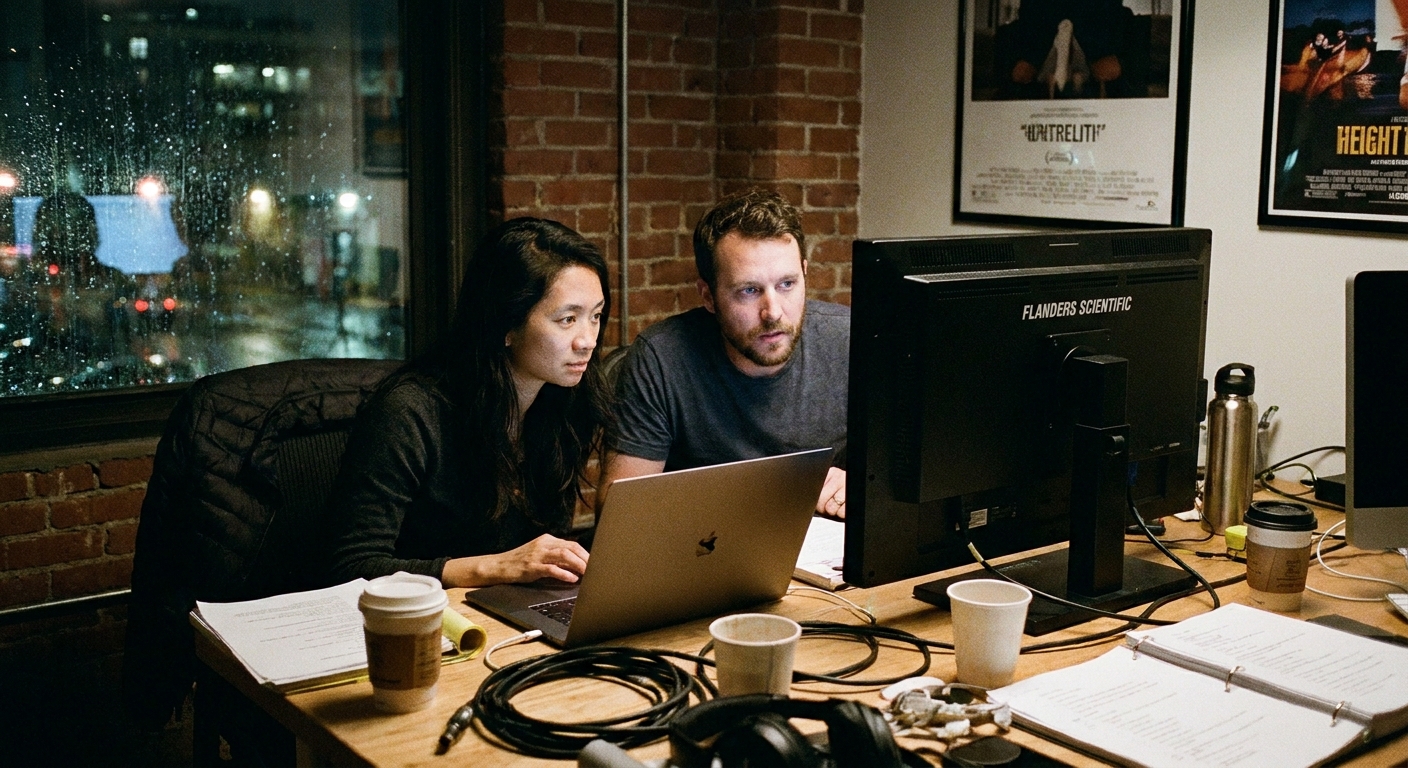
What are dailies?
Dailies, sometimes called rushes, are the footage (and often synced sound) recorded during a shooting day that the team reviews afterward. Traditionally, this could mean film that went to a lab and came back processed on a fast turnaround, sometimes overnight, sometimes longer depending on location and schedule. Today it usually means camera originals or transcoded files delivered digitally, organized by scene and take, with metadata and, when time allows, synced audio.
The point is simple: dailies let the creative and technical leadership evaluate what was captured while there is still time to adjust, reshoot, or plan coverage differently.
Why dailies matter
Dailies are not just a vanity screening for great acting or a beautiful close-up. They are a quality control checkpoint that protects the schedule and the story.
- Performance and story clarity: Does the intention read? Is the moment landing the way the scene needs?
- Technical integrity: Focus, exposure, camera movement, lens issues, noise, distortion, dropped frames, dead pixels, or flicker.
- Sound: Clean dialogue, consistent levels, unwanted hums, clothing rustle, planes, or generator bleed.
- Continuity: Props, wardrobe, blocking, eyelines, screen direction, and matching action across takes.
- Coverage strategy: Do we have the angles and inserts editorial will need? Or are we missing a connective shot, like a handoff, a door close, or an establishing beat?
- Risk management: If something is off, you want to know before sets are struck, locations are wrapped, and actors have moved on.
In other words, dailies are the production’s memory and its early warning system.
Who watches dailies?
Who watches depends on the scale of the project and how confidential the production is, but dailies are commonly viewed by:
- Director: To evaluate performance, pacing, intention, and whether additional coverage is needed.
- Director of Photography (DP) and camera team: To check exposure, focus, lensing choices, camera stability, and consistency of the visual approach.
- Producers: To track progress against the schedule and make sure the footage supports the plan.
- Editor and assistant editors: To prep, log, and organize, and often to begin string-outs or assembly work immediately or soon after, depending on workflow and schedule.
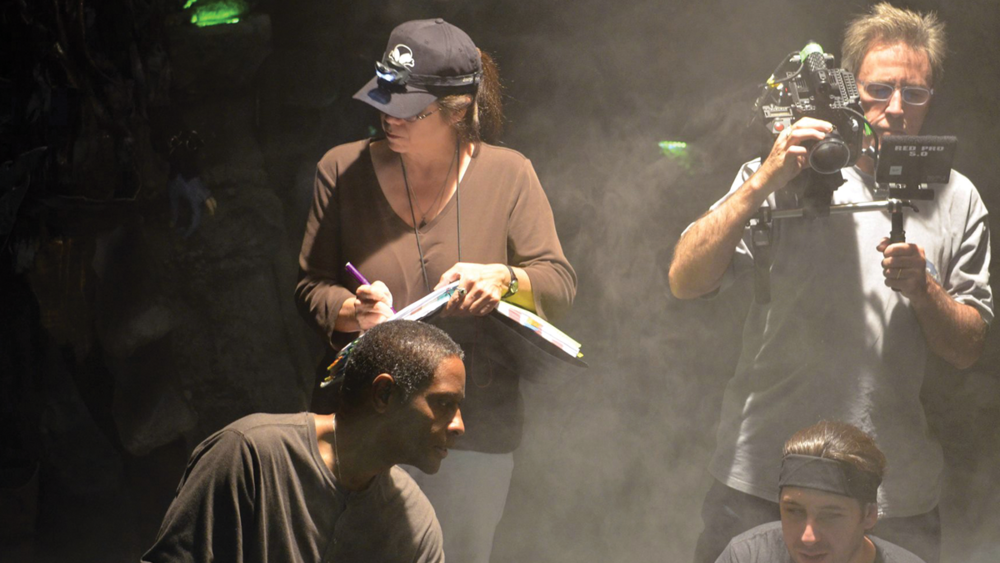
- Script supervisor: To track continuity, line readings, and which takes are marked as selects, then align notes with what was actually captured.
- Sound department (often key sound): To confirm dialogue quality and identify problem setups.
- Showrunner or studio and network stakeholders: More common in television, sometimes through controlled online access.
Not everyone watches every frame. Many departments focus on the material most relevant to their work, with editorial typically living closest to the full stream.
Who makes dailies?
On a small shoot, “dailies” might be as simple as the DP or an assistant offloading cards, syncing a few clips, and uploading selects. On larger productions, there is usually a dedicated pipeline, and responsibilities can be split across roles like:
- DIT (Digital Imaging Technician): Often manages on-set color, exposure references, and data practices, and may generate viewing LUTs or reference looks.
- Dailies operator or lab: Handles ingest, organization, syncing, transcodes, and consistent naming, then outputs viewing files.
- Dailies colorist: Applies a baseline grade or show LUT so dailies reflect the intent as closely as practical.
- Assistant editors: Ingest and prep for editorial, confirm metadata, and keep the project organized for cutting.
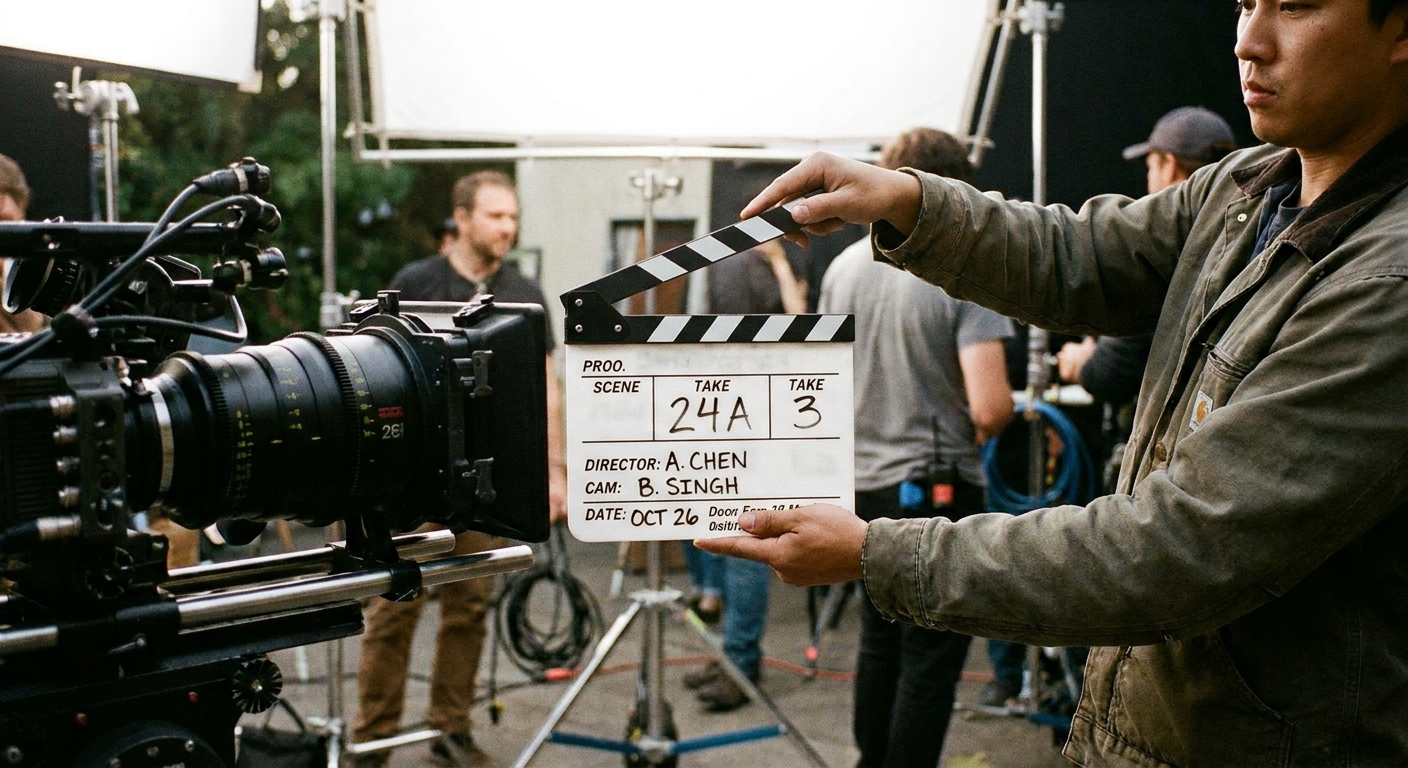
You will also often see burn-ins on dailies, like timecode, clip name, scene and take, camera ID, and sometimes LUT information, which helps everyone talk about the same moment without guessing.
How dailies are delivered
Screening rooms still happen, but most productions now rely on a digital dailies pipeline. The exact workflow varies, but it often looks like this:
- Offload and verify: Media is copied from camera cards with checksum verification to protect against corruption.
- Sync and organize: Audio is synced when possible, takes are grouped by scene, and metadata is applied (scene, take, lens, timecode, camera, notes).
- Color and viewing LUTs: The DP and color workflow may apply a show LUT or basic color management so footage feels closer to the intended contrast and tone.
- Transcodes: The team may create smaller editorial files for speed while preserving camera originals for finishing.
- Secure access: Dailies are often delivered through passworded platforms, encryption, watermarked screeners, or controlled server access, especially on high-profile projects.
Some teams review dailies on calibrated monitors. Others use laptops and tablets when traveling or moving fast. The gold standard is still: watch on something you trust, and when possible, watch in a setup that matches the show’s color management pipeline, whether that is Rec.709, HDR, or an ACES-managed workflow.
One practical reality of remote review is that streaming compression, browser playback, and uncalibrated screens can lie to you. It is another reason dailies notes tend to focus on story, coverage, and obvious technical issues, while critical color calls wait for controlled viewing.
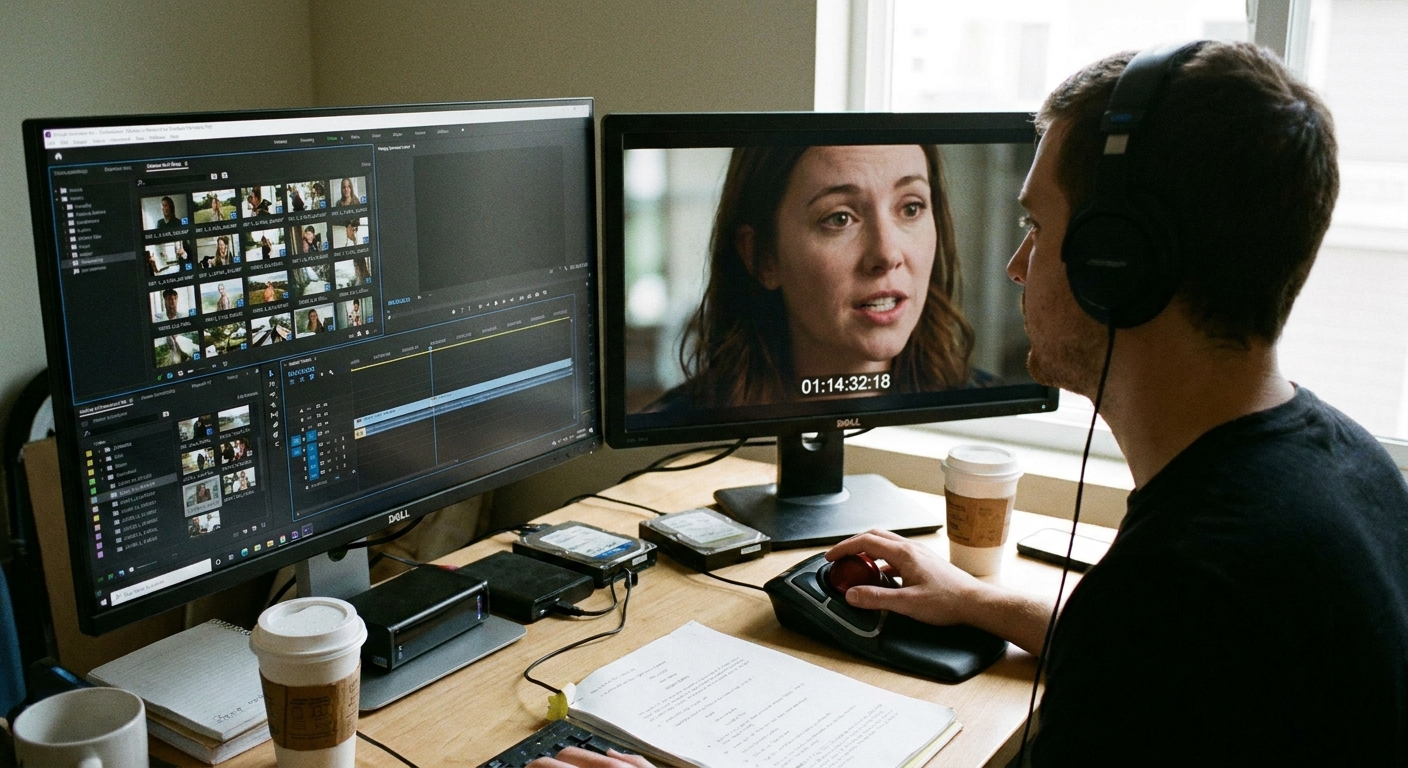
What gets decided next
Dailies become most powerful when they feed directly into tomorrow’s decisions. After reviewing, the team typically confirms:
- Selects: Which takes are strongest, including any takes marked as selects or circled. Depending on the show, “circled” can mean “preferred,” “print-worthy,” or simply “flagged for attention,” so it is best read as a note, not a guarantee.
- Pickups needed: A missed line, a soft focus moment, a prop continuity error, or an insert that will save the edit.
- Coverage gaps: Do we need a clean close-up, a reaction, a cutaway, or a clearer geography shot?
- Continuity fixes: Notes for wardrobe, hair and makeup, props, and blocking to keep visual logic intact.
- Technical adjustments: Changes to lighting, filtration, camera settings, mic placement, or location control.
When dailies reveal a problem, it is not about blame. It is about catching the issue while the production still has the leverage to fix it.
Dailies vs. Video Village
This is the part that trips people up because both involve watching footage on a screen.
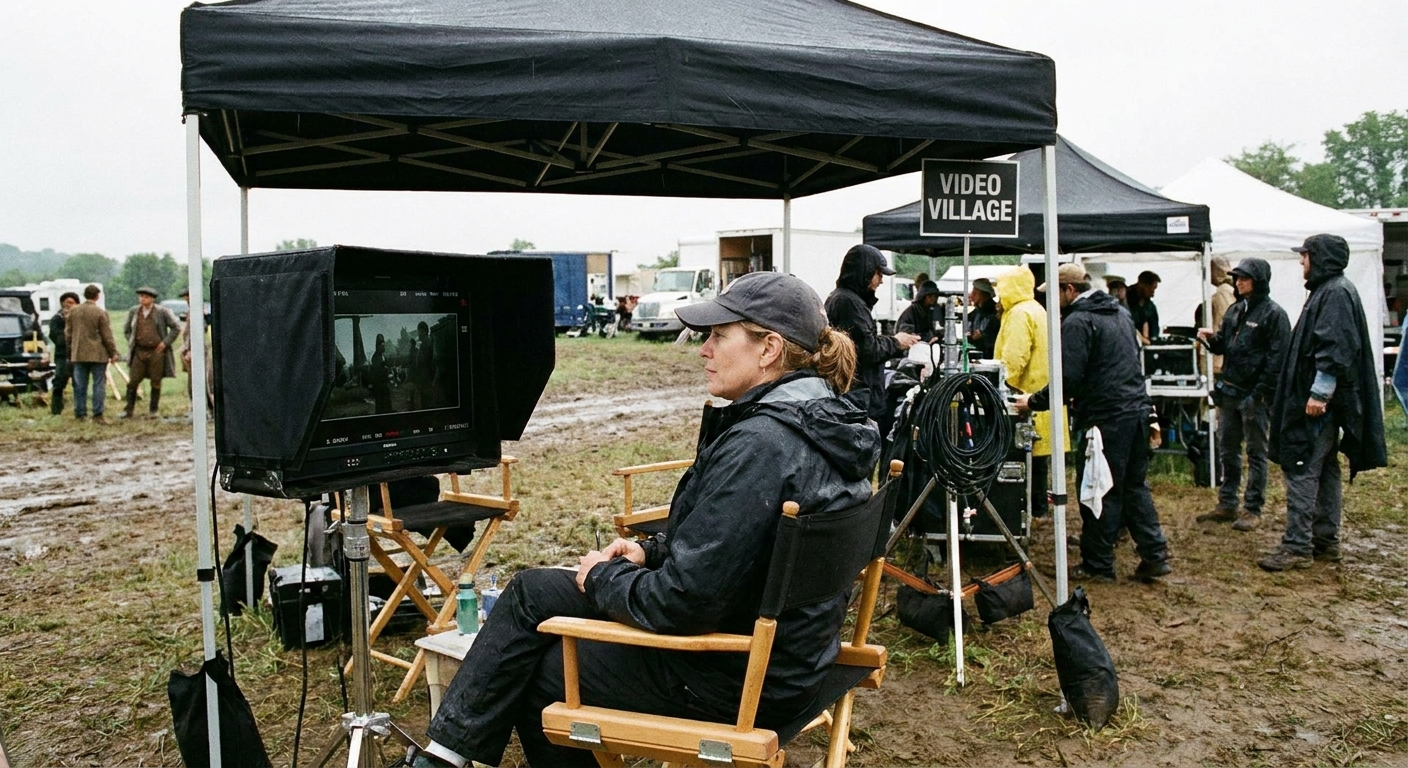
Video Village is live
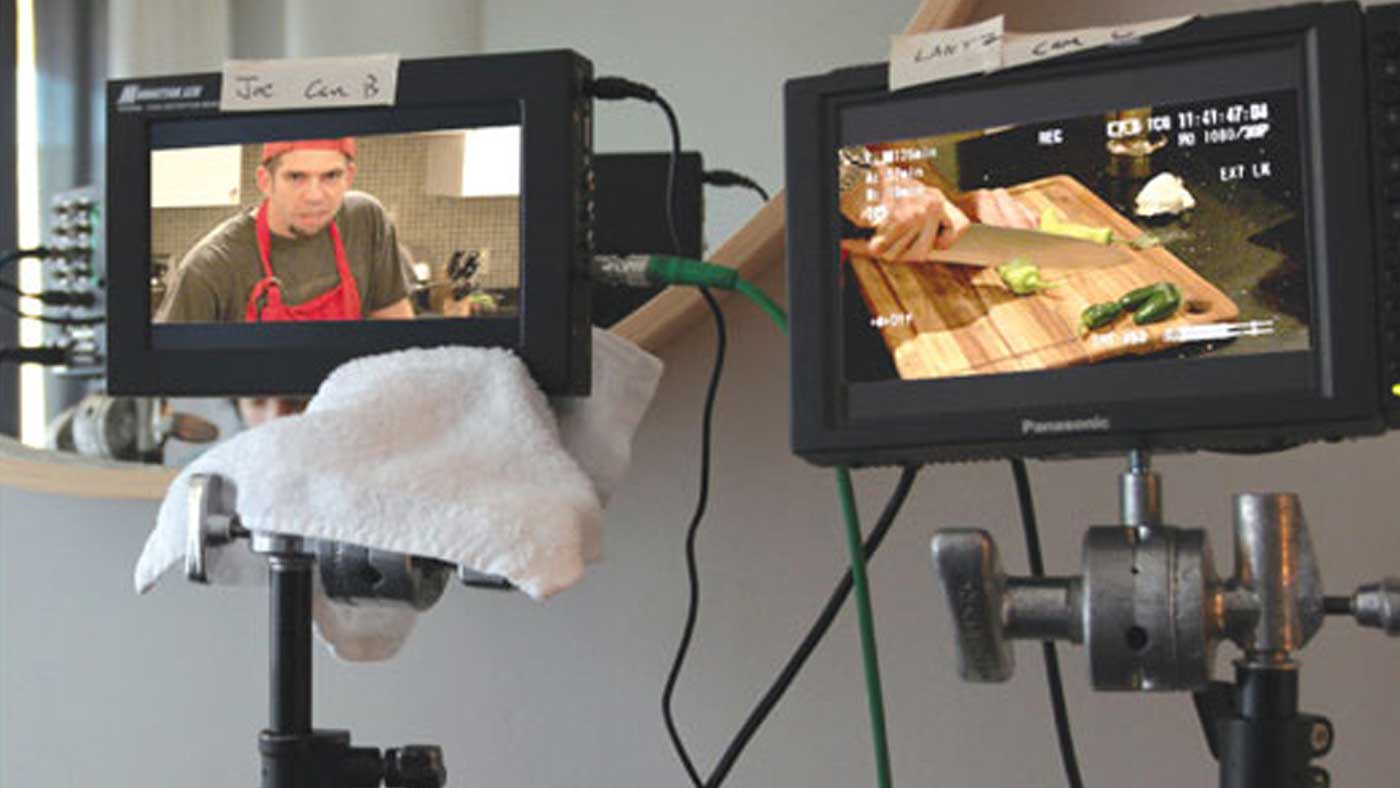
Video Village is the on-set monitor area where the director, DP, script supervisor, producers, and others watch the camera feed in real time or review quick playback immediately after a take. It helps with immediate decisions like, “Did we like that performance?” or “Was that boom in frame?”
Dailies are after the day
Dailies are the footage from the day, processed and organized, then watched later with a calmer, more editorial mindset. The big difference is context and intent: Video Village is about making the next take better, dailies are about making the whole project better and safeguarding tomorrow.
If Video Village is the heartbeat monitor, dailies are the medical chart. One is moment-to-moment. The other is how you track the patient over time.
Do dailies include sound and VFX?
Usually, dailies represent the footage in a workable state, not a finished one.
- Sound: Often synced and usable for editorial, but not fully mixed. On very fast turnarounds, first-pass dailies may be camera audio only, with sync arriving later.
- Color: Frequently viewed with a LUT or basic correction for consistency, but not final color grading.
- VFX: Shots may appear as plates without effects, with temp comps, or with placeholders. Full VFX work comes later.
This is why seasoned filmmakers learn to watch dailies with two brains at once: one for what is there, and one for what will be there after post.
Common misconceptions
- “Dailies are the edit.” They are raw materials. The edit is where performance, rhythm, and meaning get shaped.
- “If it looked good at Video Village, it is good.” On-set monitoring can miss subtle issues that show up in a more controlled viewing environment.
- “Dailies are only for the director.” Editors, producers, DP teams, and script supervisors rely on them in different ways.
- “Dailies are always watched the next day.” Often yes, but schedules vary. Some productions get same-day uploads. Others watch in batches.
Quick FAQ
Why are dailies also called rushes?
Because in the film era, the exposed film had to be processed quickly so the team could see what they captured. The name stuck, even though the delivery method has changed.
Are dailies the same as playback?
Not quite. Playback usually means reviewing a take on set shortly after it is shot. Dailies are the organized set of footage reviewed after the day’s work, often with synced sound and consistent viewing settings.
Can actors watch dailies?
Sometimes, but it depends on the director’s style, the production’s policy, and the relationship with the cast. Many productions limit access to protect focus, confidentiality, and time.
What happens if the dailies show a mistake?
If the location, set, and cast are still available, the production may schedule a pickup or adjust the next day’s shot list. If not, the editor may look for alternate takes, creative cutaways, or solutions in post.