I have a little pre-show ritual: skim the playbill, silence my phone, and watch the audience drift in. Somewhere in that swirl is always the same mini drama, someone at the door saying, “My friend sent me the ticket but I cannot find it,” or “It is in their name, will they let me in?”
Ticketing has gotten slicker, but also stricter. The good news is that many concert and theater tickets can be transferred to someone else. The less fun news is that the answer depends on how the ticket was issued, what the event promoter allows, and whether the ticket is set up as transfer, resale, or neither.
Ticket transfer, in plain language
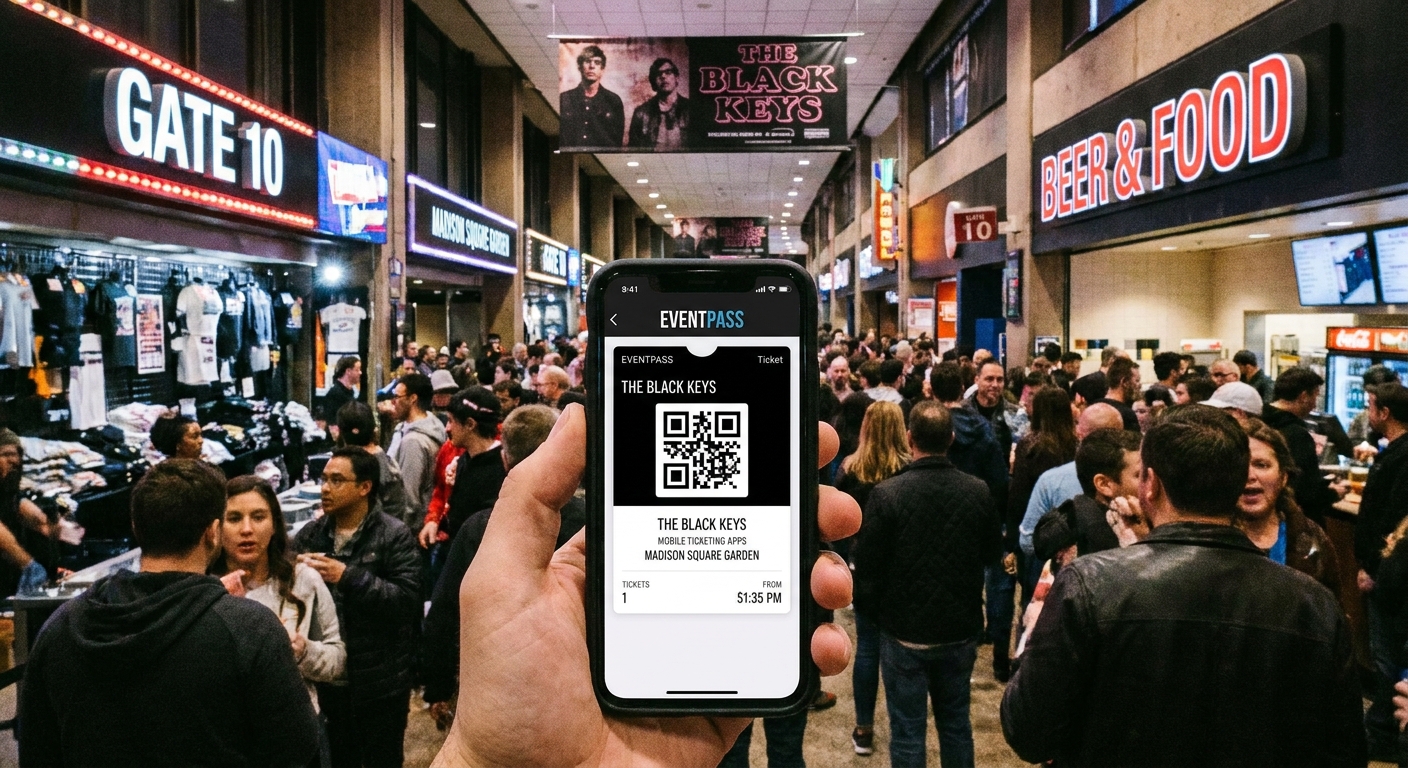
An official ticket transfer is when the original buyer uses the ticketing platform’s built-in “Transfer” feature to send a ticket to another person’s account, usually by email or phone number. After a successful transfer, the ticket is typically removed from the sender’s active wallet view or marked as transferred, and it appears in the recipient’s wallet, often with a refreshed barcode.
This matters because many venues now use rotating barcodes or NFC passes to reduce fraud. A screenshot is often not enough and may not scan reliably. On some devices or events, screen captures may be blocked or discouraged.
Transfer vs resale: not the same
- Transfer is a handoff. Money does not have to change hands inside the platform, and the ticket stays tied to official accounts.
- Resale is a sale, typically through a verified marketplace run by the primary seller or an authorized partner. The platform may issue a new ticket to the buyer, charge fees, and treat the transaction as a resale.
If you are trying to give a ticket to a friend, you want “Transfer.” If you are trying to sell, look for “Sell” or “Resale.” The rules and consumer protections can be very different.
How official transfer usually works
The exact buttons vary by app, but the flow is similar across major ticketing platforms and venue ticketing systems.
- Open the ticketing app where the ticket lives, not just your email confirmation.
- Select the event and the specific ticket or seats.
- Tap Transfer (sometimes “Send,” “Share,” or “Forward” inside the app).
- Enter the recipient’s email address or mobile number exactly as they use it for that platform.
- Confirm and watch for a status like “Transferred,” “Sent,” or “Accepted.”
One quick caution from the lobby: “Forward” should mean an in-app transfer function, not forwarding an email attachment, a PDF, or a screenshot.
On many platforms, the recipient has to accept the transfer. Until they do, you may be able to cancel it and pull the ticket back.
Deadlines and timing
Transfers are not always available immediately after purchase, and some events may limit transfer close to showtime. Policies vary by venue, promoter, and sometimes country, but you will commonly see:
- Transfer opens later (for example, 24 to 72 hours before the event) to limit speculative activity.
- Transfer pauses or closes before entry for certain events to reduce last-minute fraud.
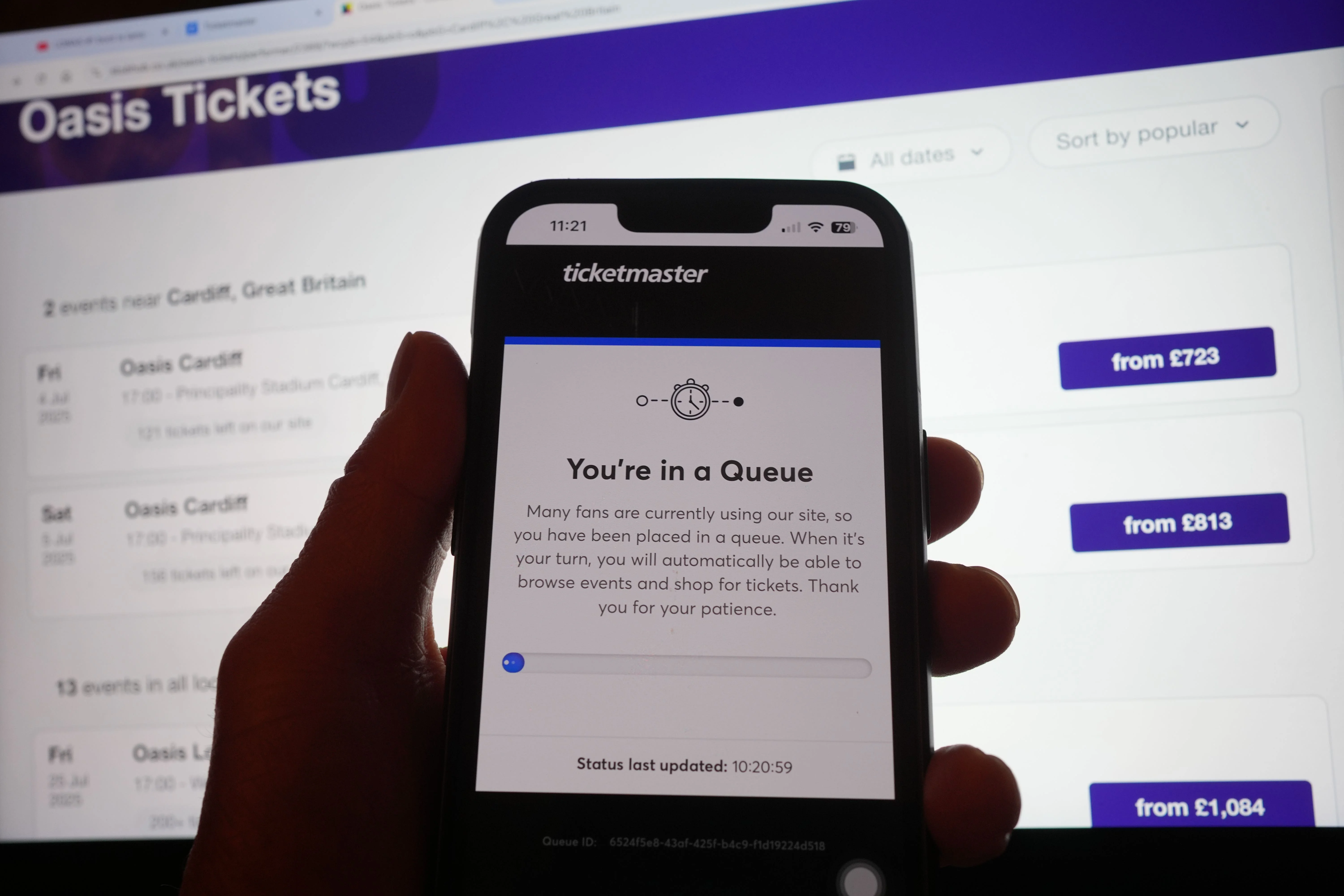
- Delays for newly issued tickets or tickets delivered as part of presales, fan clubs, or VIP packages.
If you know you cannot attend, do not wait until you are in a rideshare on the way to the venue to figure it out. Do a quick transfer test as soon as you have the ticket in your account.
Will the venue check the name?
Sometimes, yes, but it is more specific than people assume.
Most standard tickets: usually no ID check
For many concerts and many theater performances, the scanner only cares that the barcode is valid and has not been used. If the ticket was officially transferred into the attendee’s account, the name is rarely an issue.
When ID checks are more likely
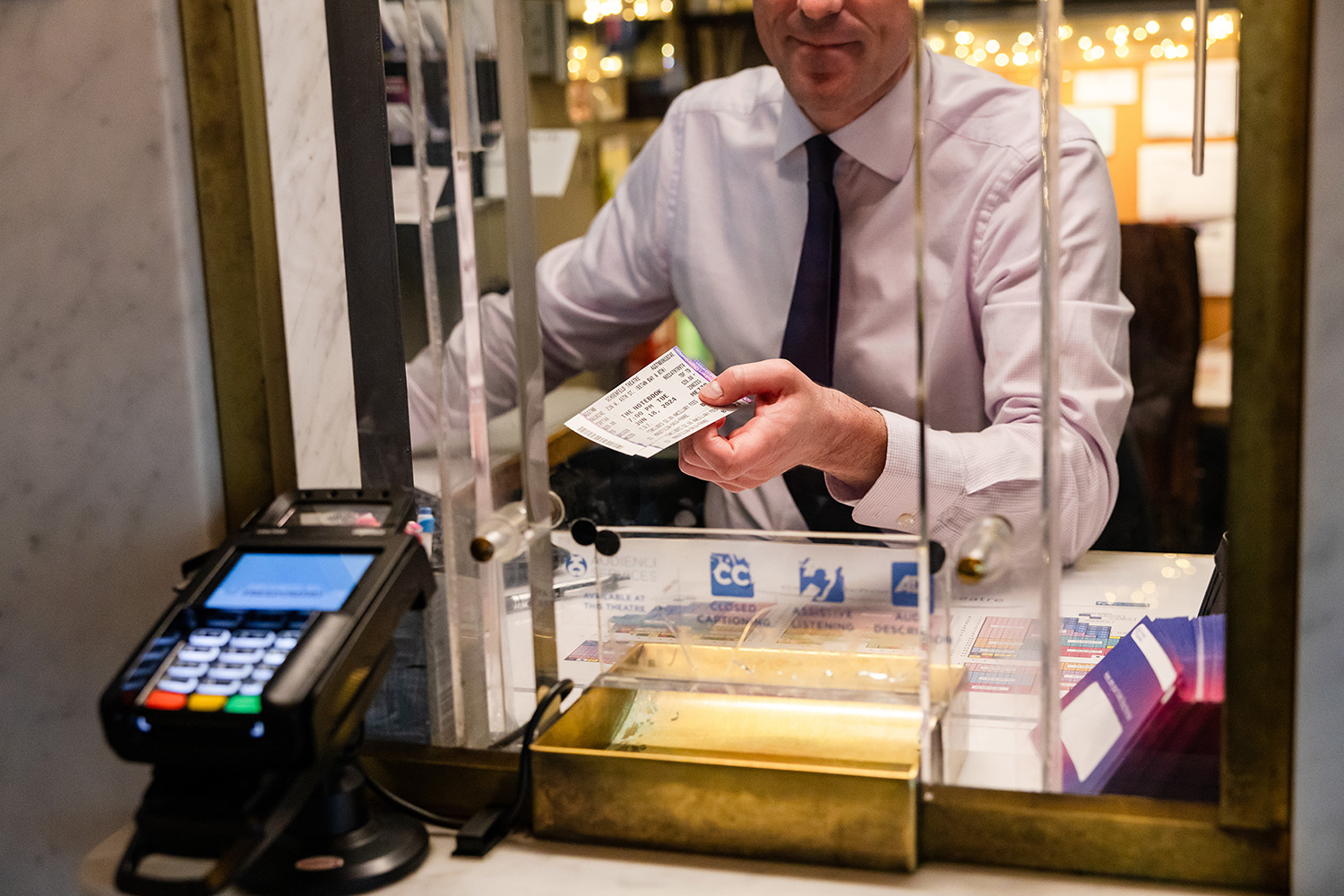
- Will call or box office pickup tickets that often require the purchaser’s ID and may require the card used. Some venues allow alternate pickup with proper authorization, so always check the venue policy.
- VIP, meet-and-greet, or premium experiences where check-in staff confirm identity and package eligibility.
- Lead booker or ID-required events designed to curb resale, where the original purchaser must be present.
- Student, military, or other discount tickets that require eligibility verification at entry.
A note on language that causes confusion: “mobile-only” or “phone entry” does not automatically mean non-transferable. Some mobile-only tickets transfer easily. Others are locked down. If you see “ID required,” “original purchaser must be present,” or “lead booker policy,” assume transfer may not be possible even if the app shows a ticket.

Why Transfer is missing or grayed out
This is the moment that triggers the most panic texts. If transfer is disabled, it is usually because of one of these reasons:
- Promoter or artist restrictions designed to limit resale and protect pricing.
- Ticket type restrictions such as VIP bundles, packages tied to the buyer, or tickets with special eligibility.
- Delivery method like will call only, paper tickets, or tickets not yet released for delivery.
- Event settings where transfer is temporarily off and may turn on closer to the date.
- Account or app issues such as needing to update the app, verify your email, or re-log in.
First, update the app and confirm you are looking at the ticket inside the official platform. Second, check the event details page for any policy notes about transferability.
If transfer is disabled
If you bought directly from the primary ticketing source and transfer is disabled, your options depend on the event’s policy. Here are the most reliable paths, in order of least risky.
1) Use official resale if offered
Some events disable transfers but allow in-platform resale. That is not the same as sending the ticket to a friend, but if you are trying to get the ticket into the hands of someone else, official resale is often the only sanctioned method. It can also protect the buyer by reissuing a valid ticket.
2) Contact the venue or official support
Venues can sometimes help with edge cases, but outcomes vary by policy and event. It is most likely to be productive when:
- The buyer is sick or traveling and needs a one-time accommodation.
- The ticket is accessible seating and the attendee details need updating per venue policy.
- It is a corporate purchase and the attendee changed.
Be ready with order numbers, the email on the account, and the last four digits of the payment method.
3) If you are attending together, enter as a group
Some restricted tickets can be used if the original purchaser is present to scan everyone in at the same time. This does not help if you are not going at all, but it is useful if you are arriving separately. Plan to meet outside and enter together.
4) Skip the workarounds
Handing over login credentials, relying on screenshots, or using unofficial forwarding methods can backfire, especially with rotating barcodes. It can also violate terms of service and make it harder to get support if something goes wrong.
A quick note on third-party sellers
If you bought from a third-party resale site, do not confuse “proof of purchase” with a usable ticket. An order email, a confirmation number, or a screenshot is not entry. What you want is an official in-app transfer into your own account, or an officially reissued ticket from an authorized marketplace.
Theater specifics
Theater ticketing is a mix of old-school and high-tech, sometimes in the same building.
Broadway and big venues
Many Broadway tickets live in a major app or a venue wallet and can be transferred. Others are delivered as PDFs or picked up at will call. If your ticket says will call, assume the purchaser may need to be present unless the box office confirms otherwise.
Subscriptions and member tickets
Subscribers often can share tickets, but the method may be “forward by email” from a venue account manager rather than a big marketplace app. Some houses allow unlimited sharing. Others limit transfers within a season to discourage informal resale.
Touring productions
Touring shows can have stricter controls because policies travel with the promoter. Always read the event email carefully. That is where restrictions and delivery timelines are usually spelled out in plain language.
Quick checklist
- Confirm the ticket is in your wallet (not just an email receipt).
- Use Transfer, not a screenshot.
- Send to the recipient’s correct email or phone tied to their account.
- Ask them to accept immediately and confirm the ticket appears on their end.
- Double-check timing if the show is close and transfer windows might change.
- Read the fine print for ID required, lead booker, VIP, or will call language.
FAQ
If I transfer a ticket, can I get it back?
Often, yes, until the recipient accepts. After acceptance, some platforms allow the recipient to transfer it again, while others restrict re-transfer. If you need to reverse a completed transfer, contact official support quickly.
Can I transfer just one ticket out of a pair?
Usually yes, especially for reserved seats. For GA tickets or multi-ticket bundles, platforms sometimes group tickets together, so partial transfer may be limited.
Do transferred tickets work with Apple Wallet or Google Wallet?
Frequently, yes, but the safest practice is to ensure the ticket is in the recipient’s account first. Wallet passes can lag behind updates, and some events require opening the ticket inside the app for entry.
Is it safe to buy a ticket from someone if they say they will transfer it later?
Proceed carefully. The safest path is receiving an official in-app transfer promptly, then confirming the ticket appears in your account. If transfer is disabled for that event, treat promises of a later transfer as a red flag.
What if the ticket is a PDF?
Some theater tickets and smaller venues still use PDFs. Policies vary. A PDF can be easier to share, but it can also be easier to duplicate. If the venue uses barcodes, only one scan will work. If you are receiving a PDF from someone else, confirm it is from the venue or primary seller and ask the venue about any ID requirements.
The bottom line
Yes, you can often transfer a concert or theater ticket, but only when the event allows it and you use the official tool built into the ticketing system. When transfer is disabled, your best bets are official resale (if offered), contacting the venue for a policy-based solution, or entering together if the original purchaser must be present.
And if you take nothing else from a critic who still reads the whole playbill: test your ticket early. Nothing kills opening night energy faster than troubleshooting a barcode under lobby lighting.