Lights down. Curtain up.
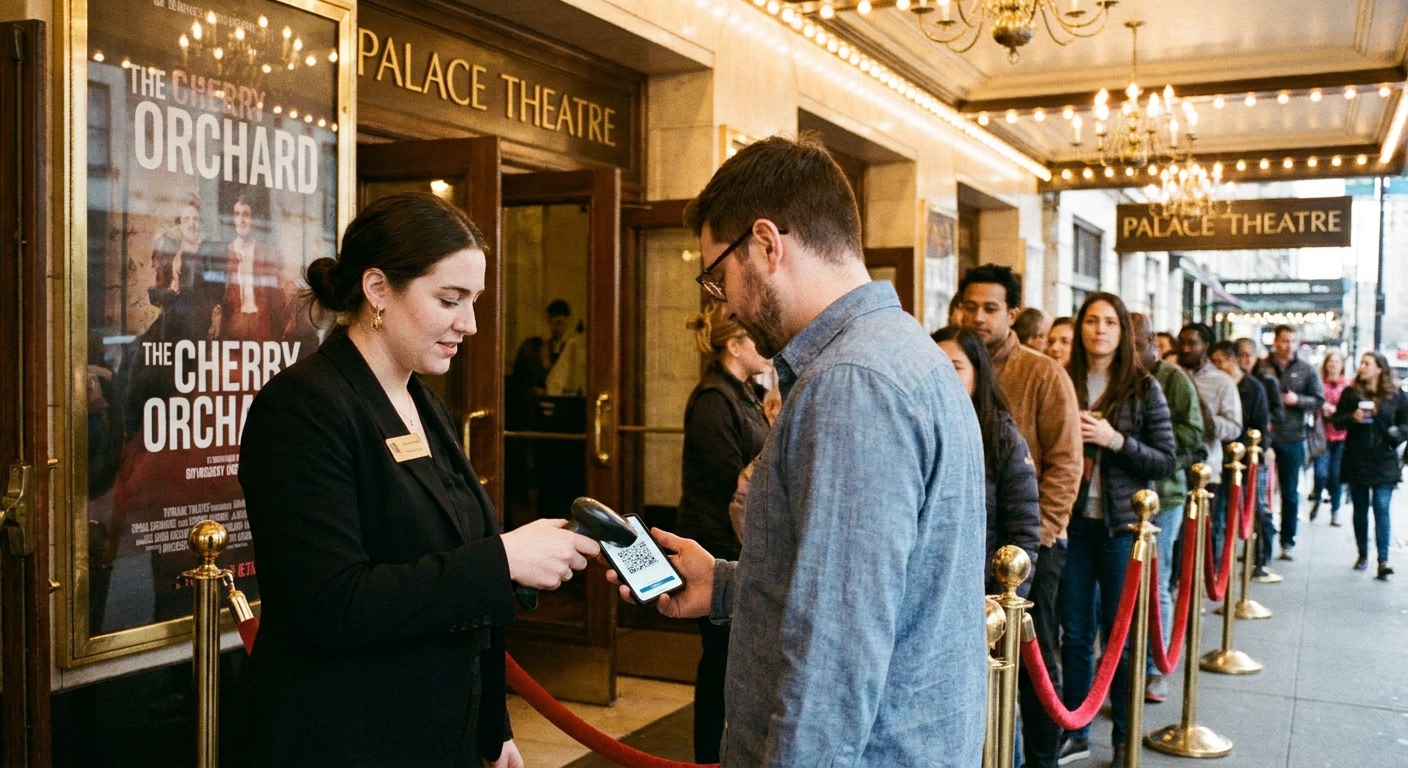
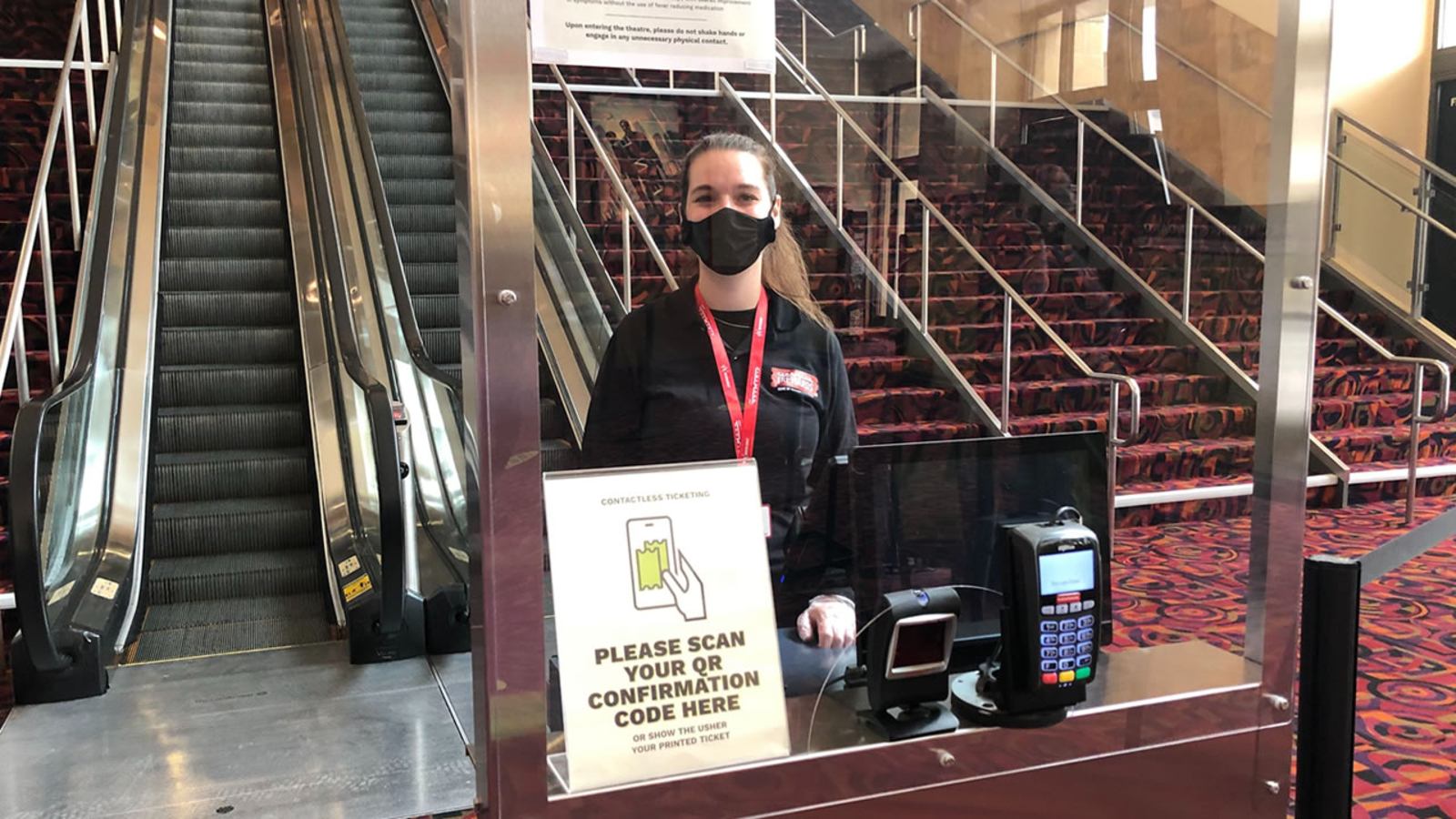
And then the scanner beeps in a way nobody wants to hear.
If your ticket is rejected at the door with a message like already used, void, or duplicate, it does not automatically mean you did something wrong. It does mean you should step out of line and get to the staff who can fix it, fast. Here’s what those scanner messages often mean, what to ask for at the box office, and what to keep from your purchase confirmation so you have the cleanest paper trail possible.
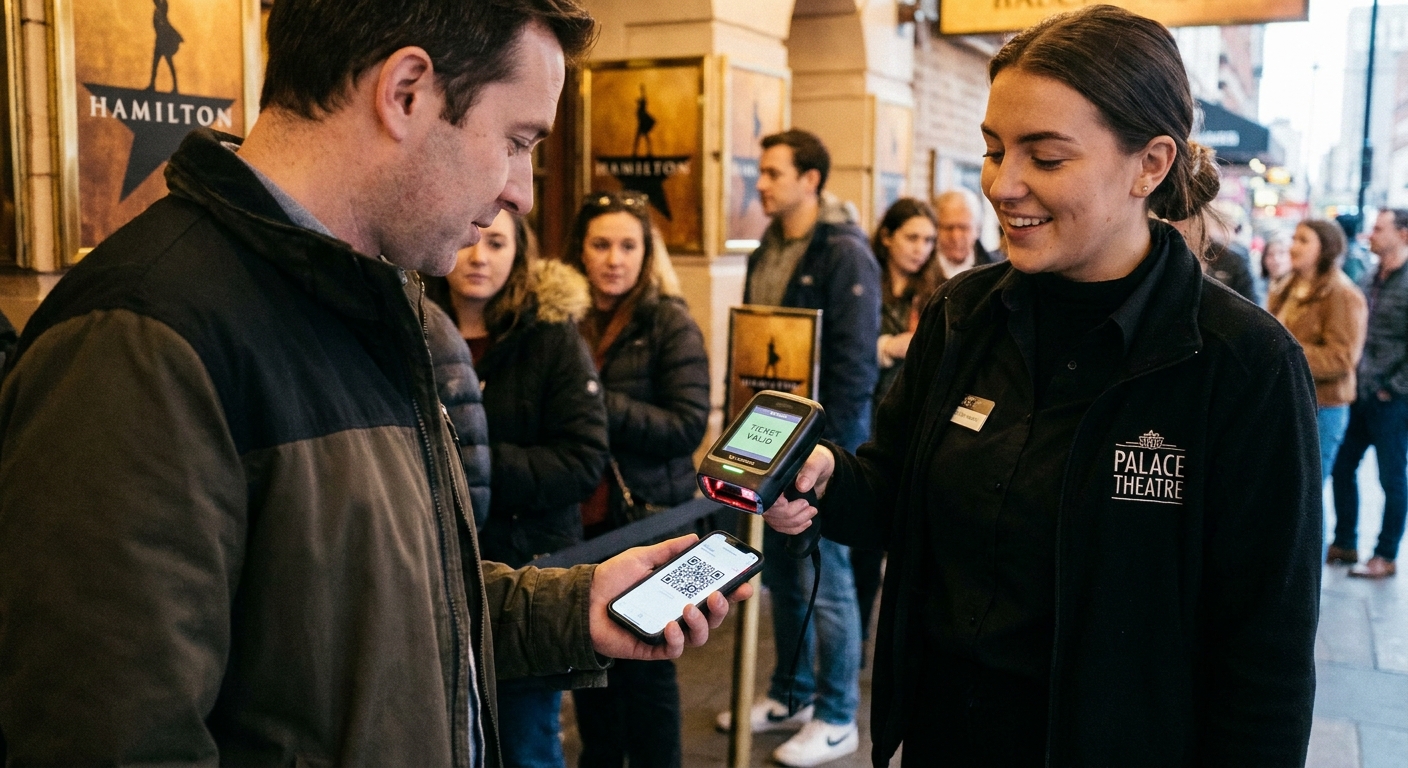
First: don’t argue with the scanner
The scanner is only reporting what the ticketing system thinks is true. Front-of-house staff can usually tell you what the screen said, but they may not be able to rewrite your ticket in the middle of a rush. The fastest path is almost always:
- Step out of the main entry line so you do not block scanning.
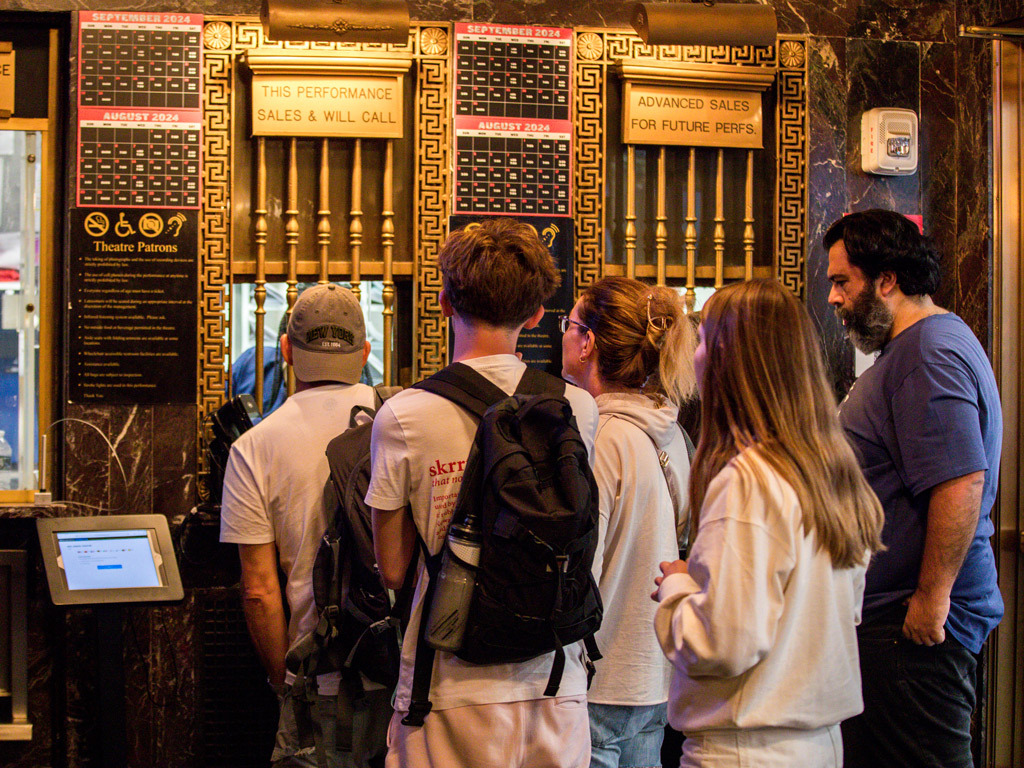
- Ask where to go for ticket help (often “box office,” “will call,” or a supervisor podium).
- Have your ID and proof of purchase ready before you reach the window.
If you are with a group, send one person to the box office while the rest stay nearby. If the venue reissues a ticket or clears an entry flag, you will want the whole party ready to enter.
Quick checks before you panic
Before you dig into fraud theories, rule out the simple stuff that causes a lot of rejected scans:
- Wrong performance: Confirm the date and time (matinee vs evening is a classic).
- Wrong venue entrance: Some events have separate doors for VIP, balcony, or will call pickup.
- Phone trouble: Low brightness, cracked screen over the barcode, battery saver dimming, or a dead phone can make a valid ticket look invalid.
- App or wallet not loading: If your ticket lives in an app, spotty service at doors can keep it from refreshing in time.
If you suspect your app is frozen or the barcode is not updating, ask staff where you can step aside to troubleshoot without holding up the line.
Rotating barcodes and why screenshots fail
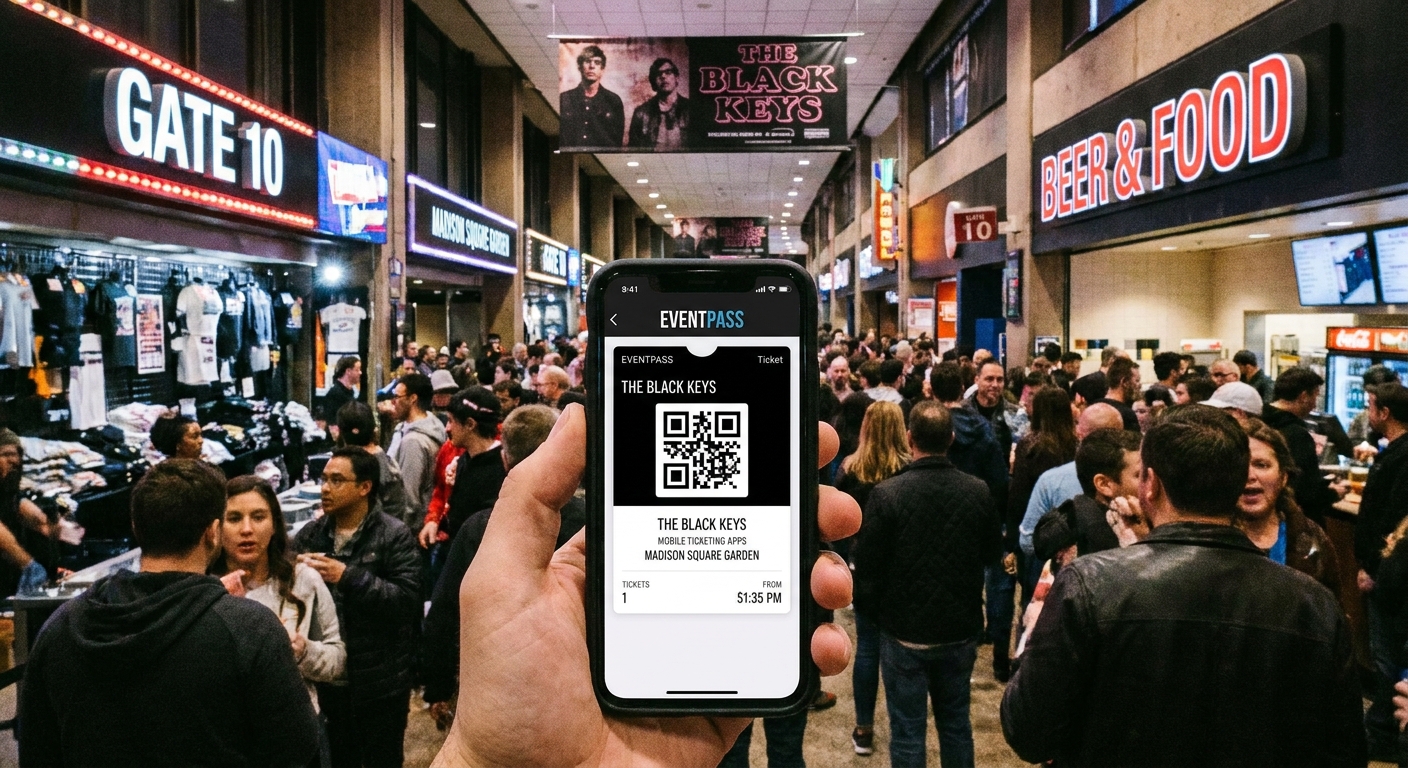
Many major ticketing systems use rotating barcodes or “live” tickets that change periodically. In those setups, a screenshot can be rejected on purpose, even if you are the rightful buyer.
If you are relying on a screenshot and the scanner will not take it, try this instead:
- Open the ticket inside the official app that issued it, if you have access.
- Add it to your mobile wallet ahead of time, if that option exists for your ticket type.
- Turn up screen brightness and remove any tinted privacy screen if you use one.
If you bought resale and only received a screenshot, treat that as a red flag and go straight to the box office or event supervisor.
What “Already Used” usually means
Already used is the system’s way of saying that exact barcode was scanned earlier and marked as “entered.” Common causes include:
- Someone else has your barcode. This can happen with resale problems, forwarded PDFs, or screenshots that were shared.
- You (or a friend) accidentally scanned it earlier. For example, you entered, stepped out, then tried to re-enter without being “readmitted.” Some venues handle re-entry differently.
- An old barcode is still floating around. This can happen after a ticket is reissued or updated, and you are trying to scan the outdated version.
- A scan happened at another entrance. In some systems, staff may be able to see a timestamp and, sometimes, which device or gate scanned it.
What to ask the box office
- “Can you tell me when this barcode was first scanned?” Timestamps help determine whether this is a simple mix-up or a true compromise.
- “Can you see which entrance scanned it?” Some venues can see this detail; others cannot, but it is worth asking.
- “Can you look up my order by email and confirm the seat?” If your purchase is in the official system, they may be able to help you verify what you should be holding.
- “Is there a supervisor who can check the entry log?” Calm escalation helps when the fix is not obvious.
If the venue determines your ticket was compromised, they may be able to void the bad barcode and reissue a new one. Whether they can do that, and for whom, depends on venue policy, the ticketing provider, and whether the show is sold out.
What “Void” means
Void usually means the barcode has been cancelled in the ticketing system. That can happen for several reasons:
- Refund or chargeback activity. If the original buyer disputed the charge, some systems void the ticket.
- Official reissue. A venue might void an old ticket and issue a new barcode after a date change, seat change, or customer service update.
- Ticketing rule violations. For example, a batch of tickets was invalidated or a suspicious transfer was reversed.
What to ask the box office
- “Is this ticket void because it was refunded, charged back, or reissued?”
- “Is there a replacement barcode under my email address?”
- “What do you need to validate my purchase?”
Sometimes the fix is as simple as finding the new barcode associated with your account. Other times, “void” is final, and the venue may not be able to override it at the door. Either way, it is a strong cue to gather every record you have and contact your point of purchase immediately.
What “Duplicate” means
Duplicate can be used a couple of ways depending on the ticketing system, but it often signals that the barcode you presented is not the primary valid instance of that ticket. In plain terms, the system is saying: “I have seen this code before, and this copy is not the one to admit.”
This is where resale and transfer issues show up most often. A legitimate ticket can become a mess if:
- A seller sent the same PDF to multiple buyers.
- A screenshot was reused, especially with rotating barcode tickets.
- A transfer was never completed. Some marketplaces show a listing as “delivered” even though the official ticket provider never registered the transfer to you.
What to ask the box office
- “Can you confirm whether there is another active ticket for this seat?”
- “Is there a name on the order in your system?” Some events have name lock rules, and ID matching can matter.
- “Can you help me if I can prove I am the original purchaser?” Some venues can reissue only to the original buyer or only for tickets bought through official channels.
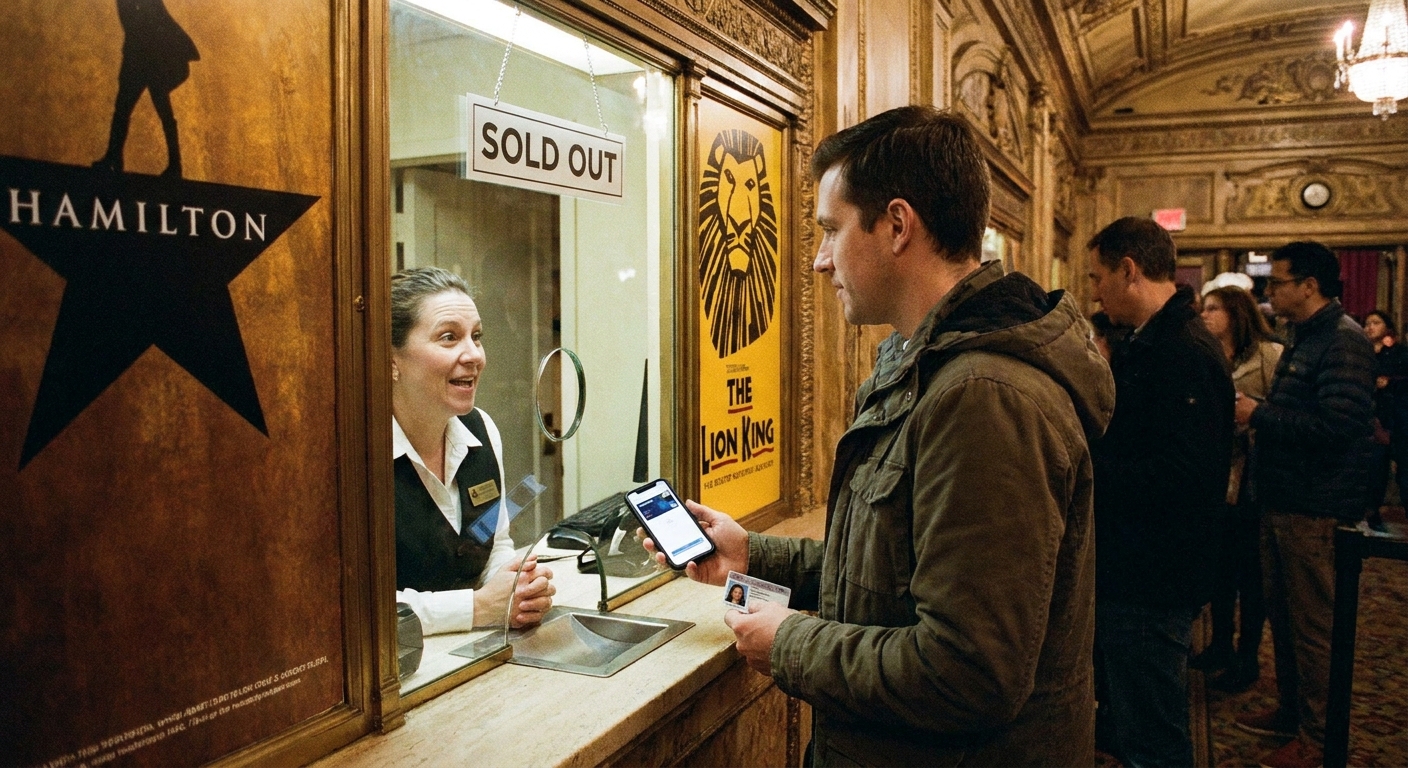
Double-sold barcode vs. missing will call
These two problems feel similar at the door because both end with you not getting in immediately, but they are different in the system.
Double-sold or compromised barcode
This is the “already scanned” or “duplicate” scenario. The barcode exists, but the system says it has already been used or there is another valid instance.
Best immediate move: box office or supervisor to check scan logs and order history, if the system supports it.
Missing will call order
Will call is when tickets are held for pickup under a name. A missing will call order usually means the box office cannot find your purchase in their system under the name, email, or phone number you provide. That can happen when:
- The order was placed with a different name or email than the one you are giving them.
- You bought from a third party that did not actually issue the ticket through the venue’s system.
- The event uses multiple ticketing systems and you are at the wrong window for that performance.
Best immediate move: ask which details they can search by (name, email, phone, order number), and show the confirmation that proves where you purchased. If your tickets are truly being held for pickup, venues often require photo ID that matches the name on the order.
What to keep from your confirmation
If you only keep one thing, keep the order number and the original confirmation email. Screenshots can help, but the cleanest proof is usually the email or receipt that shows the ticket came from a legitimate source.
Save or screenshot these details before show night:
- Order number
- Event name, date, start time
- Venue name
- Seat location (section, row, seat)
- Purchaser name and email used at checkout
- Ticket delivery method (mobile transfer, mobile wallet, PDF, will call)
- Last four digits of the card used (if shown on the receipt)
- Any transfer email trail (accepted transfer confirmation, not just “sent”)
Also keep the full message thread if you purchased from a marketplace or an individual. If the venue cannot honor the ticket, those records matter when you seek a refund.
At the door: a quick script
Front-of-house teams are juggling timing, lines, and safety checks. The clearest approach is short and factual:
“Hi. The scanner says ‘already used.’ I bought this ticket under this email. Could you point me to the box office or a supervisor who can check the scan log? Here’s my confirmation and ID.”
Being ready with ID, email, and order number saves minutes, and minutes are everything once a show is starting.
Resale red flags
A rejected barcode is sometimes a pure mistake, and sometimes the ending of a bad listing story. If you bought from a resale listing, these are warning signs that often show up around “already scanned” situations:
- The seller only provides a screenshot and refuses a real transfer through the official ticket platform.
- Pressure to pay off-platform (wire transfer, gift cards, crypto, or “friends and family” payments).
- Details that do not match (wrong venue, wrong date, odd seat formatting).
- Delivery delays that keep moving (“You’ll get it an hour before doors”).
- Multiple versions of the ticket sent over time, especially PDFs with slightly different barcodes.
When possible, your safest path is an official ticket provider transfer into your own account, or a purchase channel the venue recognizes if something goes wrong at entry.
If you are stuck outside
1) Ask if the venue can reissue or update
If your purchase is verifiable in the venue’s system, reissuing or pulling up the current barcode can be the cleanest fix. Some venues can cancel a compromised barcode and generate a new one, but policies vary and some tickets are locked to the original purchaser.
2) Contact your point of purchase immediately
If you bought through a marketplace, open support chat or a phone call right away and keep timestamps. If the ticket was invalid, you want the issue logged while you are still at the venue.
3) Document what happened
Without turning the lobby into a courtroom, capture what you can:
- A screenshot of the ticket in your app or email
- The exact scanner message (ask staff to repeat the wording)
- The time you attempted entry
- Names or titles of staff you spoke with, if available
This is not about winning an argument at the door. It is about having a clear record for customer support afterward.
FAQ
Could a legitimate ticket show “already used” by accident?
Yes. It is uncommon, but it can happen with re-entry confusion, an outdated barcode after a reissue, or a scanning mix-up across entrances. That’s why the scan timestamp and order lookup matter.
Is a PDF ticket automatically suspicious?
Not automatically. Some venues still use print-at-home PDFs. The risk is that PDFs are easy to copy. If you can, prefer tickets that live inside an official app or a mobile wallet tied to your account.
What if the ticket is in my name but still says “duplicate”?
Ask the box office to search your email and confirm whether a newer barcode was issued, whether your ticket is name locked, or whether your original file is simply outdated.
What if I am supposed to pick up tickets held under a name?
Bring photo ID that matches the pickup name and the confirmation showing the order. If the box office cannot locate the order, verify you are at the correct ticketing window for that event and confirm the email and name used at checkout.