Lights down. Curtain up.
There is nothing like that buzzy moment before a show, when the lobby is humming and you are already hearing the first notes in your head. Which is why fake tickets feel so cruel. They steal your money and your night out in one swipe.
If you are staring at a listing and wondering, “Is this real?”, here are the most reliable signs a ticket is counterfeit or unauthorized, plus the checks that can save your seat before you hit Pay.
First, what “fake” can mean
Not every bad listing is the same kind of bad. Knowing the category helps you spot the tricks.
- Counterfeit ticket: A made-up barcode or altered PDF that often will not scan, or may come back as invalid or already used.
- Unauthorized resale: The ticket might exist, but the seller is breaking the venue or platform rules, or cannot legally transfer it to you.
- Stolen or duplicated ticket: A real ticket that has been copied, then sold multiple times. Typically only the first scan is honored.
- Misrepresented ticket: The seat, section, date, or even the venue is different than advertised.
Different scam, same gut-punch: you show up, the scanner chirps “no,” and the house is not holding your place.
Fast red flags that should make you walk away
They push you to pay right now
Pressure is the oldest trick in the playbill. Scammers try to keep you from slowing down long enough to verify.
- “I have other buyers. First one to pay gets it.”
- “Doors are in an hour, I need payment immediately.”
- “I can only hold these for ten minutes.”
Legitimate resale can move quickly, but reputable sellers and platforms do not need you to panic.
They want an unprotected payment method
If the seller insists on payment methods that are hard to dispute, treat that as a stop sign.
- High risk: wire transfer, crypto, gift cards, payment marked as “friends and family,” bank transfer apps with no purchase protection.
- Safer: checkout through an established ticketing or resale platform with clear buyer protection, or paying by credit card (not debit), ideally through a documented checkout flow.
If someone says purchase protection is “too complicated,” what they mean is: it is too complicated to scam you.
They avoid official resale or in-app checkout
Many major ticketing systems have built-in resale or transfer features. A common scam move is to lure you with a screenshot, then steer you off-platform.
- “The platform takes too much in fees, let’s do it directly.”
- “I can email you a PDF, it is the same thing.”
- “I do not have access to that account right now.”
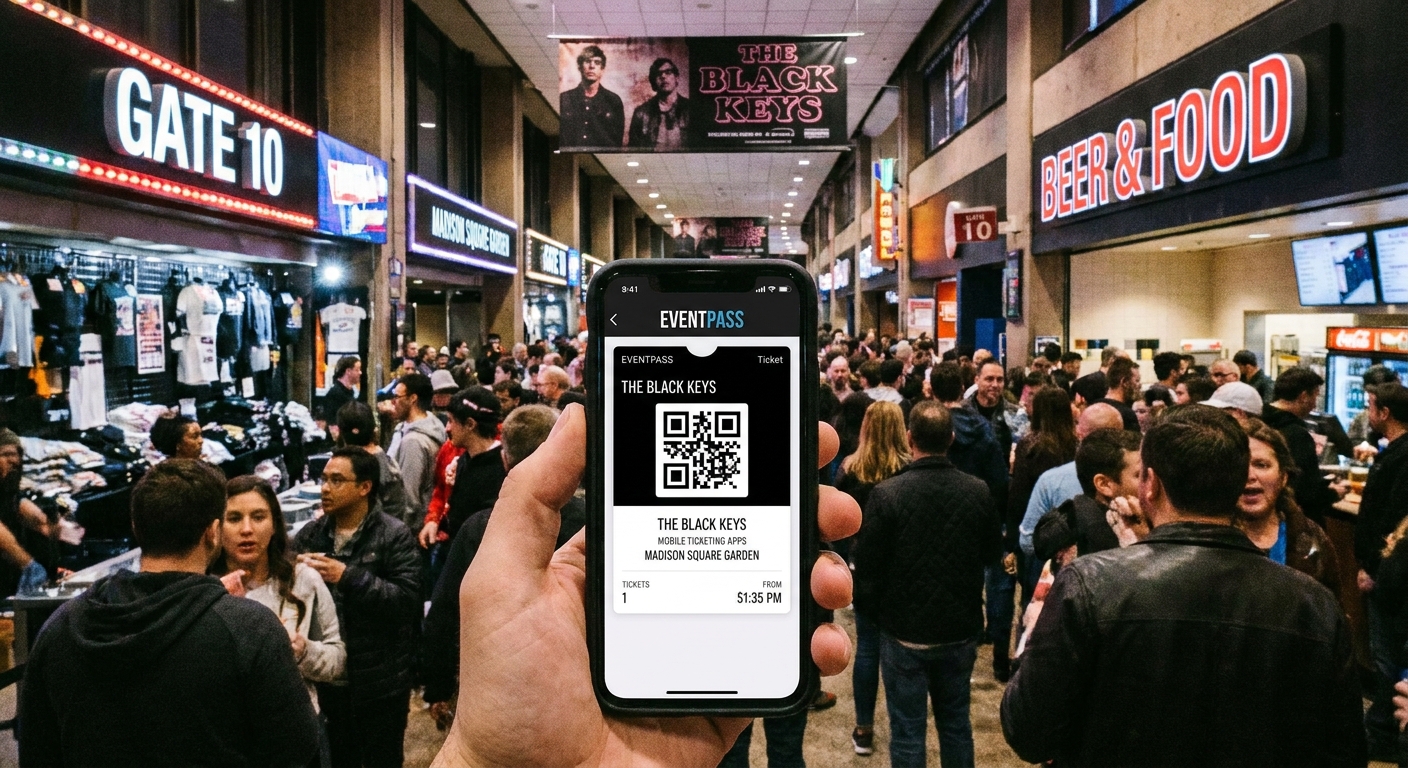
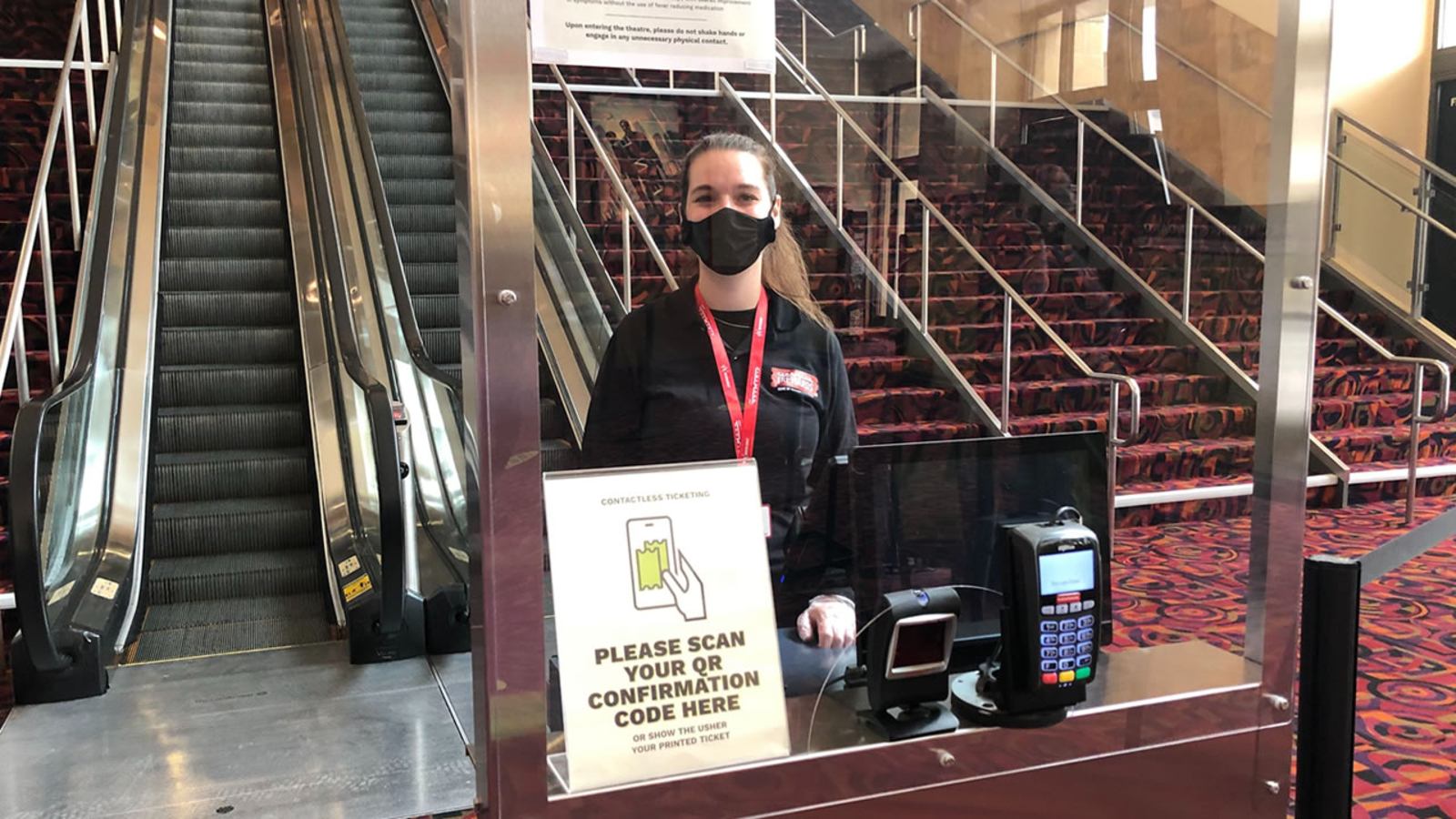
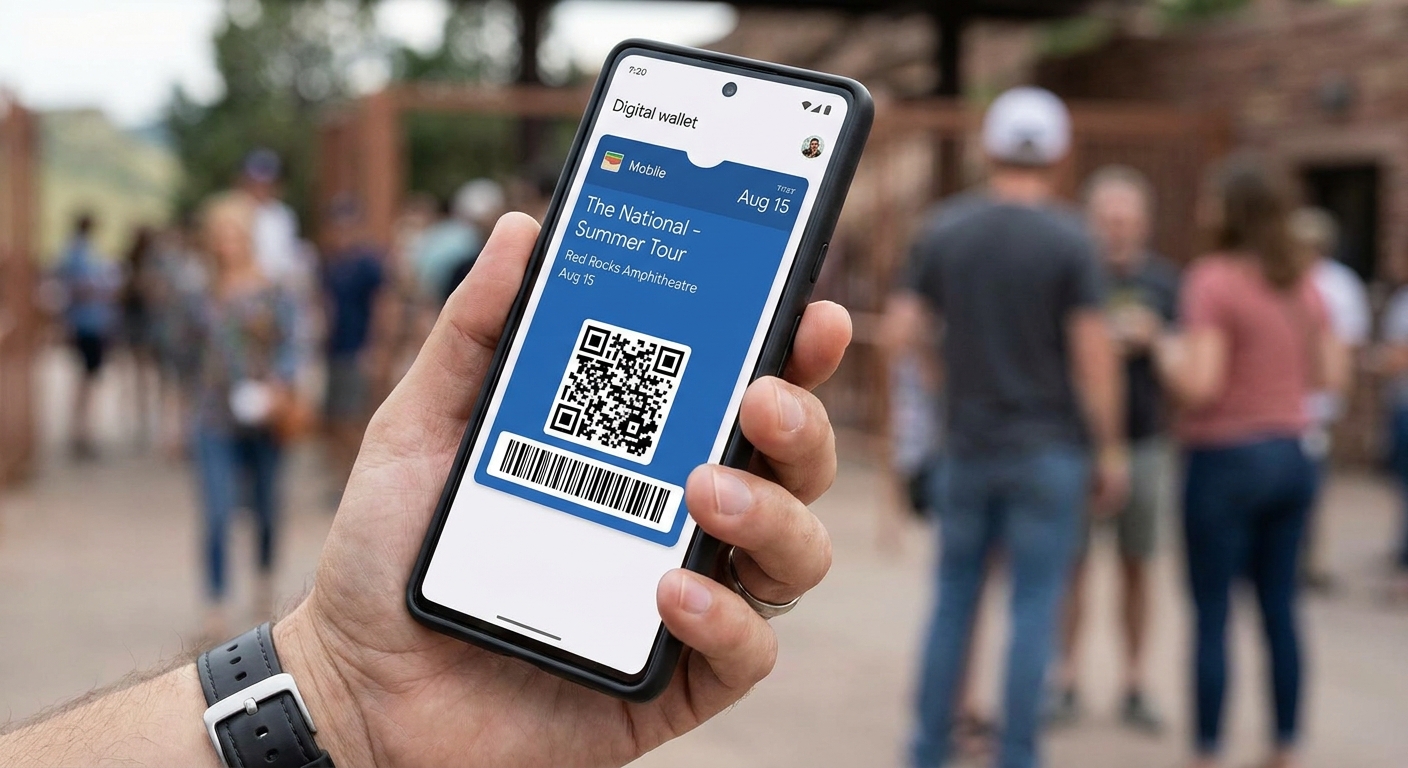
At many venues, a screenshot is not a ticket. Dynamic barcodes refresh, and the valid credential lives in the official app, an Apple Wallet or Google Wallet pass, or a proper in-app transfer. Always confirm the entry requirements for that specific event.
They cannot clearly explain how you will receive the ticket
Before you pay, you should know exactly what delivery looks like.
- Best: an official in-app transfer to your email, or a platform-to-platform transfer that places the ticket inside your account.
- Often risky: PDFs, screenshots, or “I will send it later” promises.
If you hear “I will meet you outside the venue and walk you in,” be cautious. That can be legitimate in some situations, but it can also be a setup where you are stuck if they do not show.
The listing is vague or weirdly formatted
Counterfeiters often miss the fine details that real ticketing systems get right.
- Missing row or seat numbers when the venue uses assigned seating.
- Odd capitalization, mismatched fonts, or low-resolution logos on a “ticket image.”
- Contradictory details like a matinee time listed for an evening performance.
- A venue name that is close, but not quite correct.
Small inconsistencies matter because legitimate ticketing is painfully consistent.
Screenshot and PDF traps to watch for
For many shows, a resale scam hinges on one thing: the buyer believing an image equals entry.
Screenshots do not transfer ownership
A screenshot can be duplicated endlessly. Even if it scans, you have no guarantee you are the first person to use it. And at many venues, it will not scan at all because the code rotates.
PDFs are easy to alter
Some venues still issue printable tickets, but many do not. When a seller leads with “print-at-home PDF,” verify that the event actually supports it. If the show uses mobile-only entry, a PDF is a bright red flag.
Where to buy safely
If you want the simplest path with the fewest plot twists, start with the venue box office or the event’s official ticketing link. If you are buying resale, look for exchanges that keep the transaction in-platform and use official transfer, so the ticket lands in your account instead of your inbox as an attachment.
How to verify a ticket before you buy
You do not need detective gear. You need a few calm checks that scammers hate.
1) Confirm the event details independently
Open the venue’s official site or the presenter’s site and confirm:
- Exact event name
- Date and start time
- Venue address and room (some venues have multiple stages)
- Whether the event is seated, general admission, or a mix
- Any entry rules, like mobile-only, non-transferable tickets, or ID requirements
If the listing uses a slightly different event title or a different start time, ask why. If the answer is squishy, exit stage left.
2) Ask for proof that still protects you
Request information that helps verify without giving the seller ammunition to scam someone else.
- Ask what ticketing platform the ticket is currently in and whether it can be transferred through that platform.
- Ask for a screen recording that opens the ticketing app, navigates to “My Tickets,” and shows the event. (A static screenshot is too easy to fake.)
- Ask the seller to describe the seat location in plain language, like “Orchestra Right, Row H, on the aisle.”
If they balk at a simple screen recording, that is your cue. If they offer only cropped images, that is another cue.
3) Use the transfer feature before you pay when possible
On some platforms, a seller can initiate a transfer that you accept. Ideally, you pay through a checkout flow that ties the money to successful delivery. If the process requires you to pay first with no protection, you are taking the biggest risk.
4) Watch for “I can’t transfer” excuses
Sometimes tickets truly are non-transferable. When that is the case, they are often non-transferable for everyone, which means the seller usually cannot legitimately sell them to you either. There are occasional exceptions (like venue-approved name changes or will-call rules), so confirm directly with the venue or official ticketing provider.
Common lines that should make you pause:
- “Transfer is temporarily down.”
- “It will unlock the day of the show.”
- “I can change the name on the ticket, trust me.”
Name changes are not universal, and many venues will not care what name is on an image anyway because the barcode or wallet pass is what matters.
Common scams, in plain sight
The “too good to be true” front row
A below-market deal is not automatically fake, but premium seats at a steep discount are bait. Scammers know people get emotional about the “dream seat.”
The duplicate sale
A scammer sells the same ticket to multiple buyers. Everyone arrives confident. Only one gets in. This is why official transfers matter: they reduce the chance the seller can keep reselling the same credential.
The fake customer support detour
You ask a question, and suddenly the seller sends you to a “support” email or a lookalike website to “verify” the ticket. Do not click unfamiliar links. Go directly to the official site by typing it yourself.
The last-minute vanish
Scammers love selling close to showtime because you have less time to dispute and less time to find replacement tickets. If you must buy last-minute, keep it inside official resale channels whenever possible.
If you already bought the ticket and you are worried
Take action while the clock still helps you.
- Check your account: If the ticket is supposed to be in an official app or wallet, make sure it is actually there, not just “promised.”
- Document everything: Save the listing, messages, receipts, and the seller’s profile details.
- Contact the platform you used to pay: Open a dispute or chargeback process as soon as you suspect fraud.
- Contact the ticketing platform or venue: Ask whether the event is mobile-only, whether PDFs are accepted, and whether the ticket you received is a valid entry format.
- Do not forward files to strangers: If you post screenshots publicly, you can accidentally help someone else steal or duplicate what you have.
If it is the day of the show, arrive early and go straight to the box office or guest services with your proof of purchase, the payment method used, and any emails or order numbers. Ticket issues take time to untangle, and you want to spend your night in your seat, not in a line.

A quick “is this listing safe?” checklist
- Payment: Can you pay through a protected checkout or with a credit card? If no, stop.
- Delivery: Is it an official in-app transfer to your email and account, or a proper wallet pass transfer? If no, be cautious.
- Proof: Can the seller show a screen recording inside the ticketing app? If no, stop.
- Pressure: Are they rushing you or changing terms mid-conversation? If yes, stop.
- Details: Do the date, time, venue, and seat format match the official event listing and entry rules? If no, stop.
A real seller with a real ticket may be busy, but they can still be clear. Scammers rely on confusion.
FAQ
Is a screenshot ever acceptable?
Sometimes, but at many major concerts and plenty of theaters, no. Mobile tickets commonly use dynamic barcodes, and venues expect the ticket to be presented from the official app or a wallet pass that was properly transferred. Even when a static barcode can scan, a screenshot can be reused by anyone. Confirm the entry requirements for your event.
Can a ticket be real but still not get me in?
Yes. If the ticket was duplicated or sold more than once, typically only the first scan is honored. Also, if the event is non-transferable or requires the original purchaser to present ID or the card used to buy, you can be turned away even if the ticket exists.
What does “official transfer” actually mean?
It means the ticket moves into your account on the ticketing platform, tied to your email login, not just sent as an image or file. You should be able to open the ticket inside the official app and see it listed under your tickets, or add it to your wallet in a way that clearly shows it is issued to you.
Should I trust a seller who offers to walk me in?
It can be legitimate in limited cases, but it is risky. If they do not show, or if entry policies change, you have little recourse. If you consider it, only pay through a method with buyer protection, and arrange to meet well before doors.
The Encore take
In show business, timing is everything. When a seller tries to steal yours with urgency and vagueness, that is the cue to slow down. A real ticket can stand up to a little daylight: clear event details, protected payment, and a transfer that lands the ticket in your account. If any of those pieces go missing, keep your money for a night that ends with applause, not a rejected scan.